AI garden design for landscapers
Nobody buys a yard from a plan view. Photograph the garden as it is, pick Garden Design and a style, and the planting, the paving and the fire pit land on the client's own ground. The house and the boundaries stay put. Run it again in another style while you are still standing there.
Free to try: your first design is free, shown in full. Free designs are public; designs made with credits stay private.
- Free to try, and on every pack
- About 30 seconds a design
- 14 styles
- No subscription
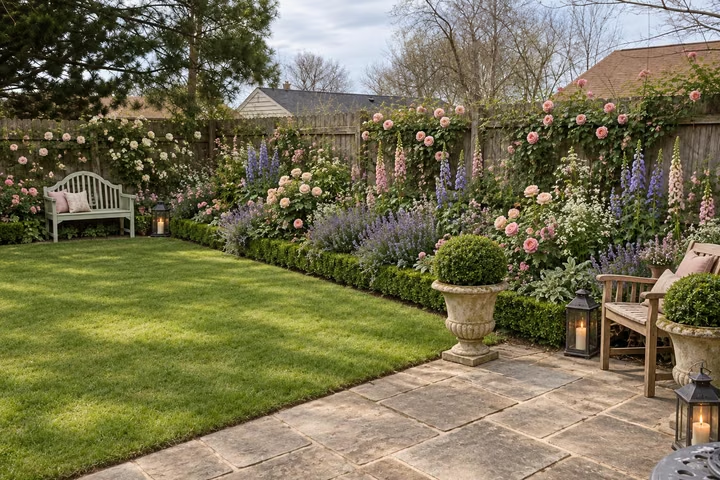
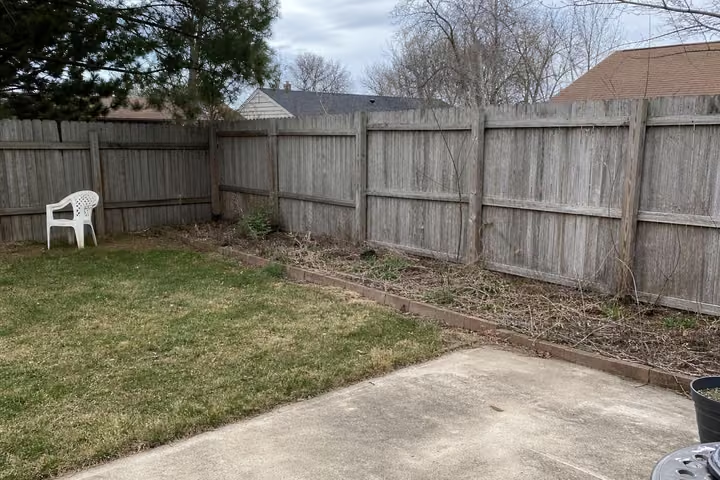
A sample room, then the tool's own render of it: English Country.
Three steps. About 30 seconds.
- 1
Stand where the client stands and photograph the yard, then upload the jpeg or png, up to 10MB.
- 2
Pick Garden Design and a style from the outdoor set, and add a note if the brief calls for something specific.
- 3
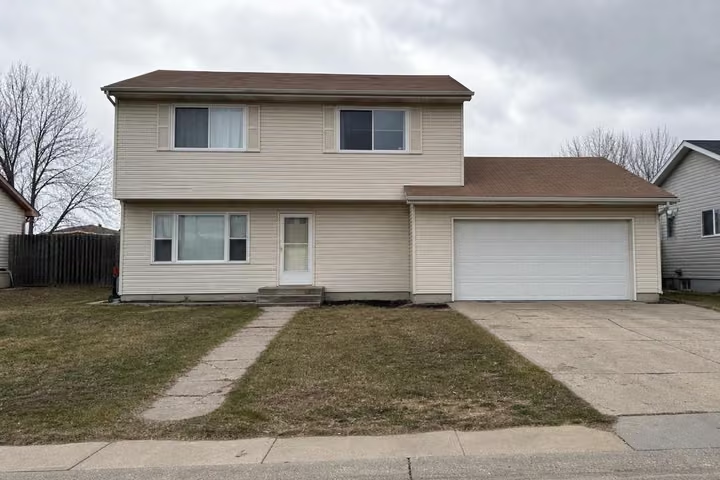
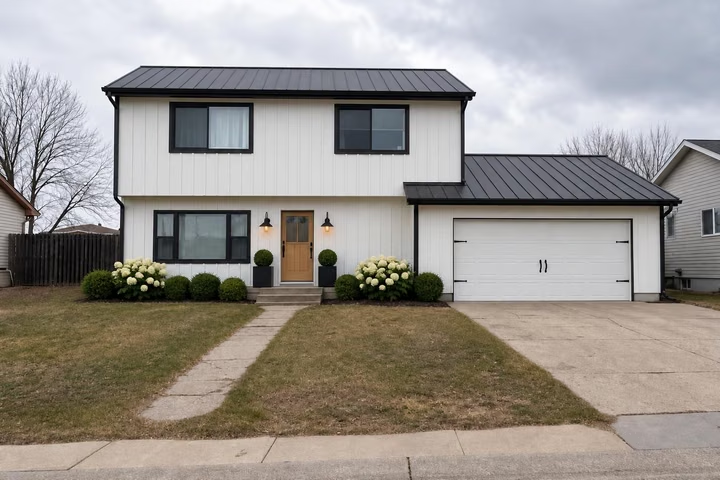
Run Exterior Design on the house in the same shot, so the facade and the garden read as one job.
The tools that do the work.
Hover or tap a pair to see the photo it started from.
Answers, before you ask.
Can I show this to a client?
Yes. Every pack carries the commercial license, so client presentations, bids and marketing are covered. The 100-credit Home pack is $19 and the 500-credit Pro pack is $49, both paid once.
Does it keep the house and fences?
Yes. The building, the boundaries and the shape of the plot stay where they are. What changes is the planting, the surfaces, the furniture and the light, so the client recognizes the place.
How long does one design take?
About 30 seconds from the moment you hit generate. Up to 4 designs render at once on any pack, so a set of options for one visit comes back together.
What can I upload?
A jpeg or a png up to 10MB, taken on a phone or a camera. Daylight and a wide shot help. You can upload a photo of a house, a room or a garden, and there are fifteen room types indoors.
Upload the photo, pick a style, and see it redesigned with the walls and windows where they are. Your first design is free; after that, credits from $7, paid once.
Redesign my photo