AI room design for contractors
Bids close faster when the client can see the finished job. Upload a photo of the room as it stands, pick New Walls, and get back the same room with the paint or the wallpaper you quoted. Swap the floor in a second pass, or use Replace & Add for one fixture. No render fee, no waiting on a drawing.
New Walls comes with any credit pack, from $7 paid once. Your first design is free on Interior, Exterior or Garden Design.
- On every pack
- About 30 seconds a design
- No subscription
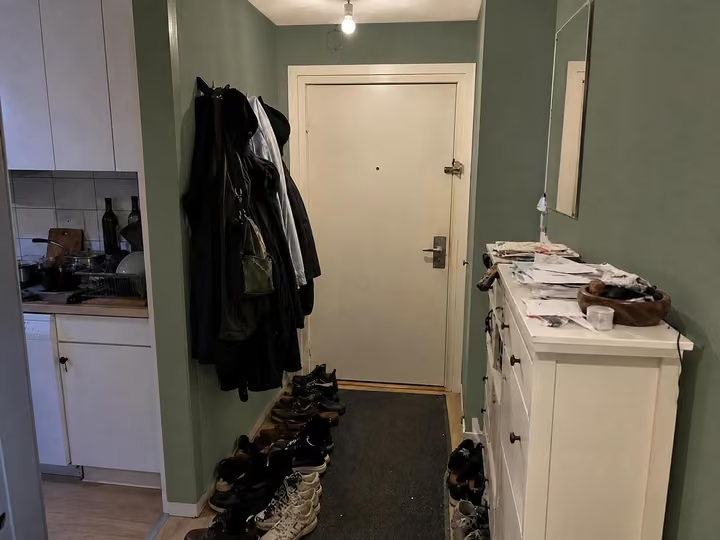
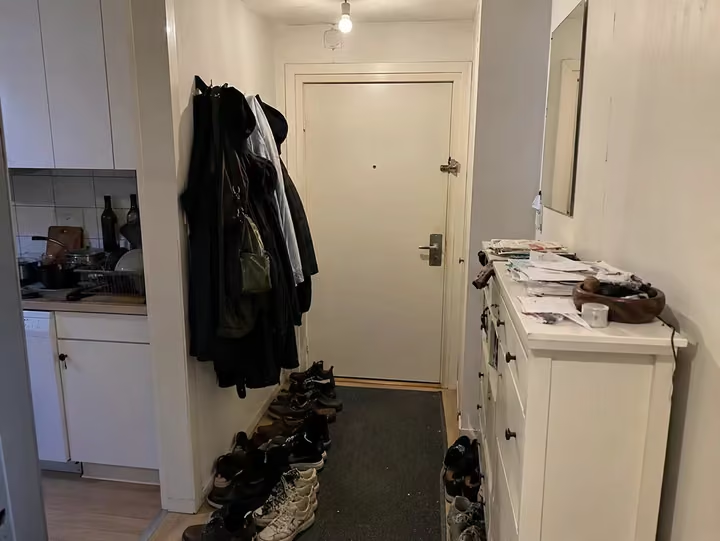
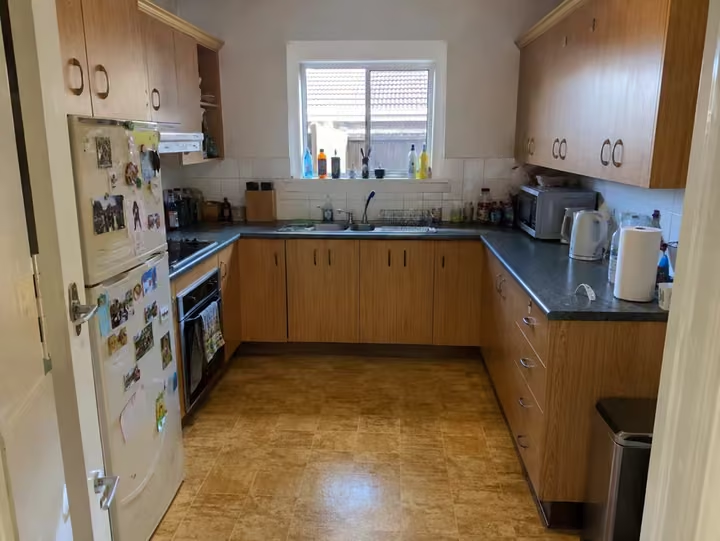
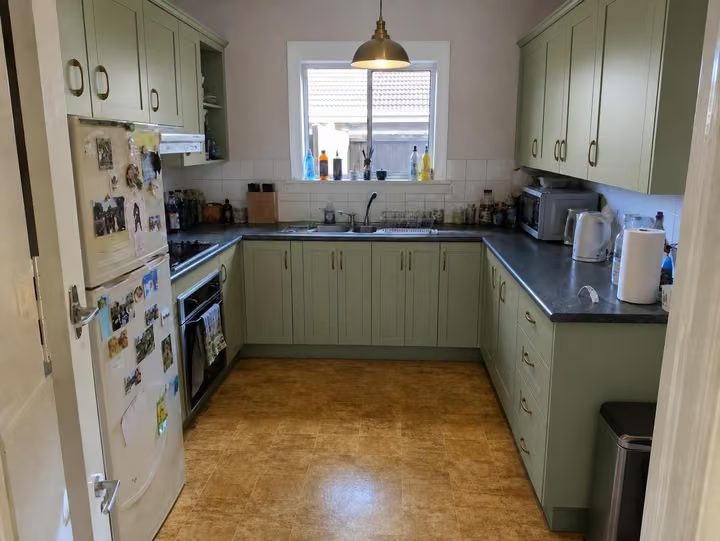
A real photo, then the tool's own render of it: new walls.
Three steps. About 30 seconds.
- 1
Photograph the room as it is today, then upload the jpeg or png, up to 10MB, from the site or the truck.
- 2
Pick New Walls for paint or wallpaper, or New Flooring for boards and tile, then choose the style you quoted.
- 3
Send the design with the bid, and run a second version if the client wants to compare two finishes.
The tools that do the work.
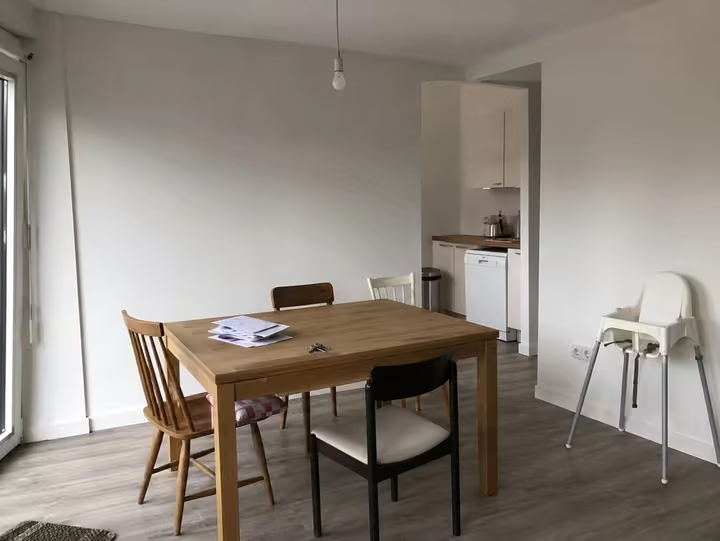
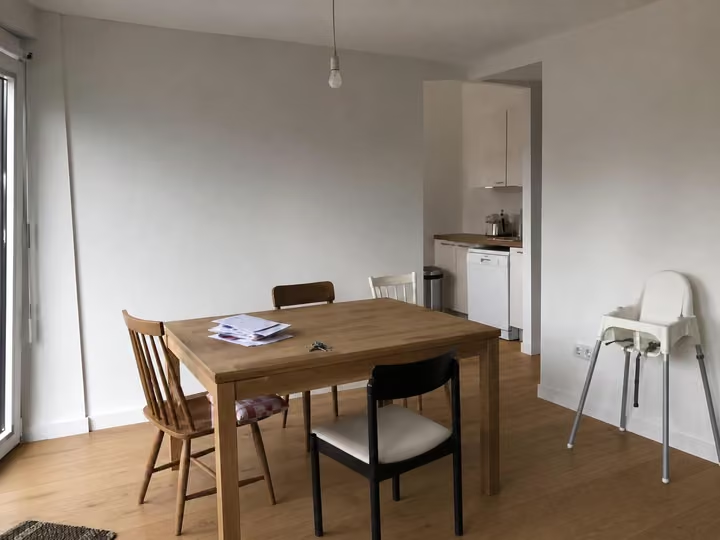
Hover or tap a pair to see the photo it started from.
Answers, before you ask.
Do I need a commercial license?
Yes, if the designs go to a client. Every pack includes it, so client work is covered from the $7 Room pack up. There is no tool or license that needs a bigger pack.
Can I run several jobs at once?
Yes. Up to 4 designs render at once on any pack. Each one takes about 30 seconds, so a batch of options for one bid is done while you are still writing the numbers.
Will the room layout stay the same?
Yes. Walls, windows, doors and the floor plan hold their positions. The tool changes surfaces, furniture and light, so the client is looking at their own room with your finish on it.
Is it a subscription?
No. Packs are one-time: the Room pack is $7 for 20 credits, the Home pack $19 for 100, the Pro pack $49 for 500. Nothing renews, and unused credits last 12 months from your last purchase.
Upload the photo, pick a style, and see it redesigned with the walls and windows where they are. Your first design is free; after that, credits from $7, paid once.
Redesign my photo