AI renders for builders
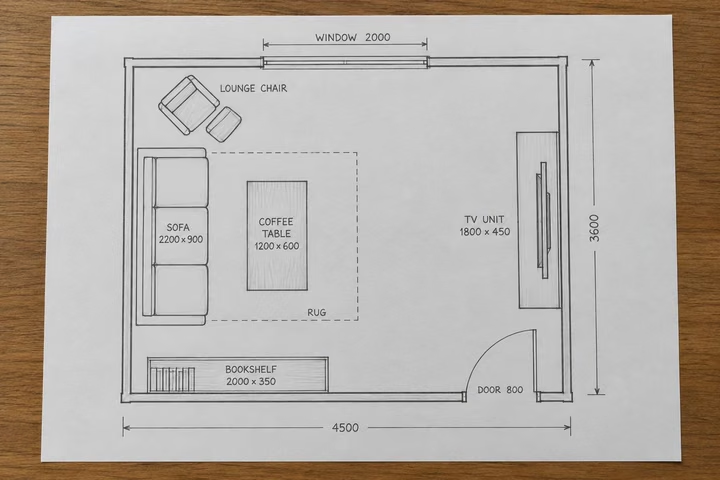
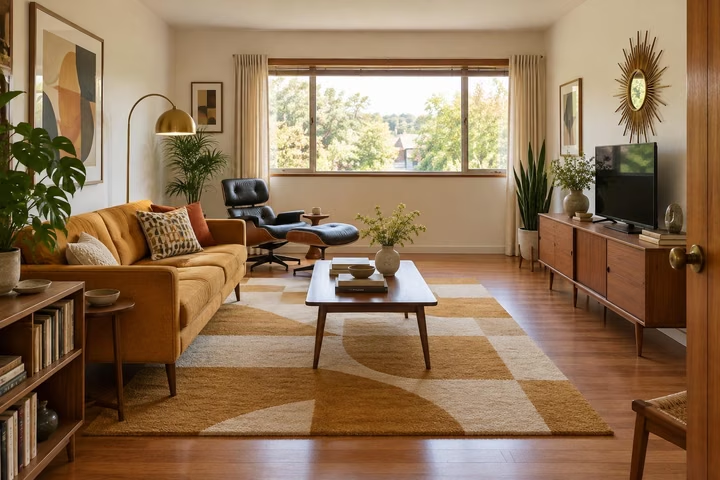
Buyers struggle to price bare concrete. Upload a photo of the shell, pick Finish New Build and the style your market buys, and it comes back with floors, walls, lighting and furniture in place. Do the facade with Exterior Design, and turn the unit plan into a room with Sketch to Render.
Finish New Build comes with any credit pack, from $7 paid once. Your first design is free on Interior, Exterior or Garden Design.
- On every pack
- About 30 seconds a design
- 41 styles
- No subscription
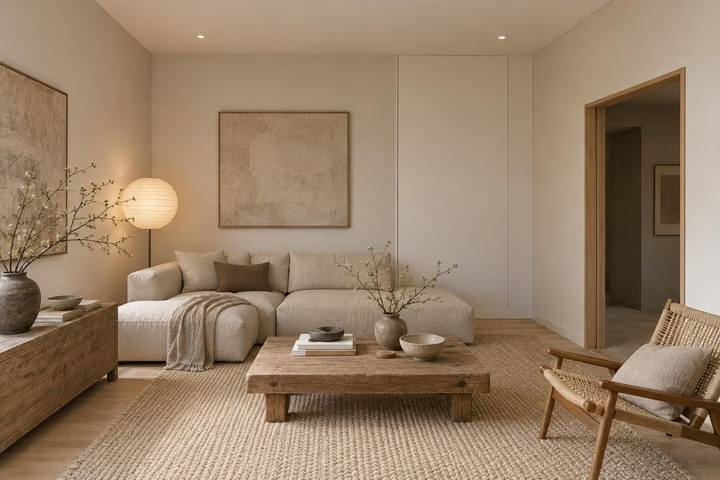
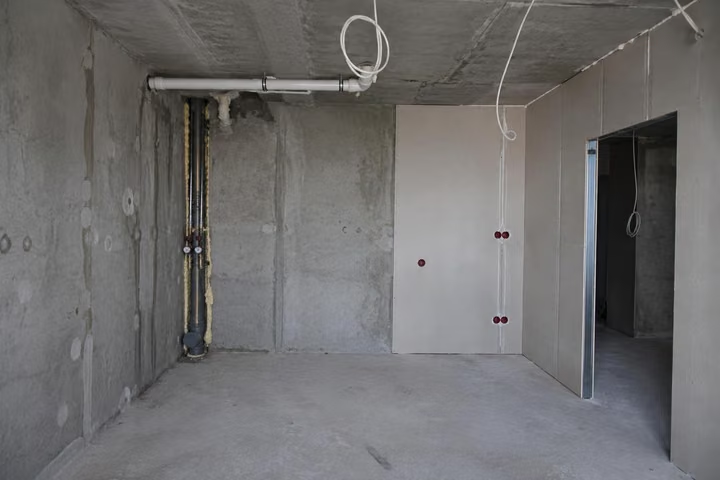
A real photo, then the tool's own render of it: Japandi.
Three steps. About 30 seconds.
- 1
Shoot each shell the same way, wide and in daylight, and upload the jpeg or png, up to 10MB.
- 2
Pick Finish New Build, name the room type, and choose one style so every unit in the release matches.
- 3
Put the designs in the brochure and the listing, and run a second style for the units that sit unsold.
The tools that do the work.
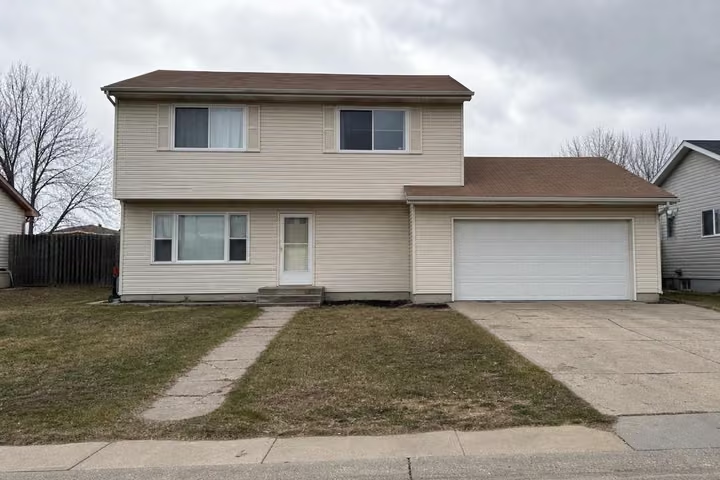
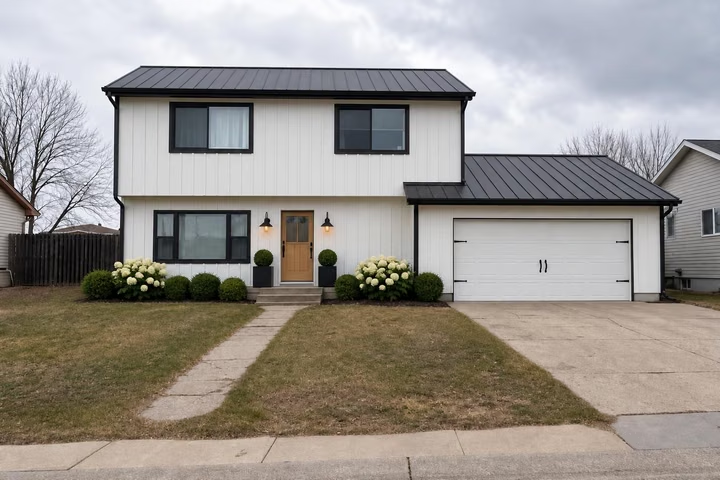
Hover or tap a pair to see the photo it started from.
Answers, before you ask.
Can I do a whole development?
Yes. The 500-credit Pro pack is $49, paid once, and 4 designs render at once. One credit is one design, so 500 credits covers a whole release of units in several styles each. Credits last 12 months from your last purchase.
Do the designs match the built unit?
The floor plan is kept: walls, windows, doors and room shapes stay where the photo has them. Finishes, furniture and light are the design, so treat them as a look, not a specification.
Should I label the images as AI?
Designs made with credits download without a badge, so the labeling is yours to do. Disclosure rules vary by market, so check what your local rules and your sales contracts require before the images go out.
Can I try it first?
Yes. Your first design is free, one per account, on Interior Design, Exterior Design or Garden Design, shown in full, so you can judge the framing before you pay. Packs are not refundable, which is why the first one is free.
Upload the photo, pick a style, and see it redesigned with the walls and windows where they are. Your first design is free; after that, credits from $7, paid once.
Redesign my photo