Sketch to render with AI
Clients do not read floor plans the way you do. Upload a hand sketch or a flat 2D plan, choose a style such as Japandi, and the tool returns a photo-real room built from the drawing. Architects use it to put a picture in front of a client at the sketch stage.
Sketch to Render comes with any credit pack, from $7 paid once. Your first design is free on Interior, Exterior or Garden Design.
- On every pack
- About 30 seconds a design
- 41 styles
- No subscription
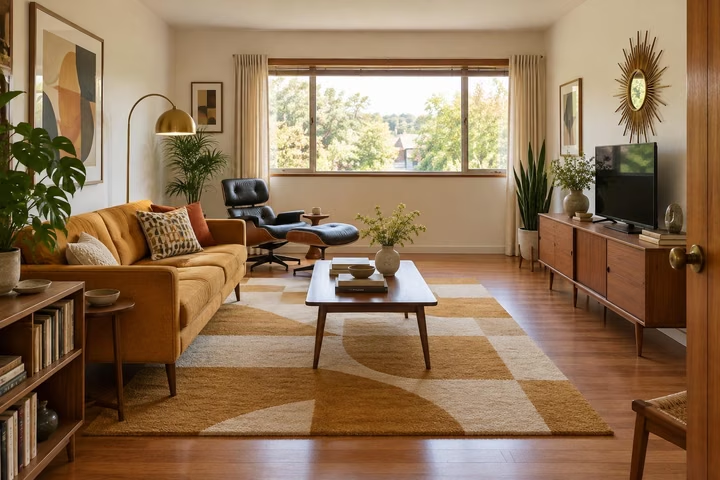
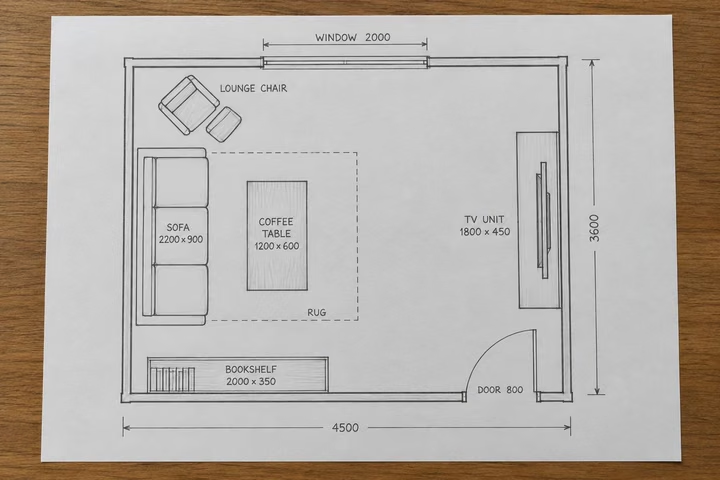
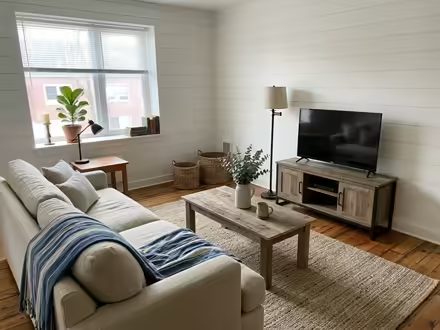
A sample room, then the tool's own render of it: Mid-Century Modern.
Three steps. About 30 seconds.
- 1
Photograph or scan your sketch or floor plan and upload it as a jpeg or png.
- 2
Pick the room type and a style so the tool knows what the finished space is meant to be.
- 3
The rendered room comes back in about 30 seconds, ready for the client meeting or the next round of changes.
Watch it work.
The tool on a room, start to finish, in one clip.
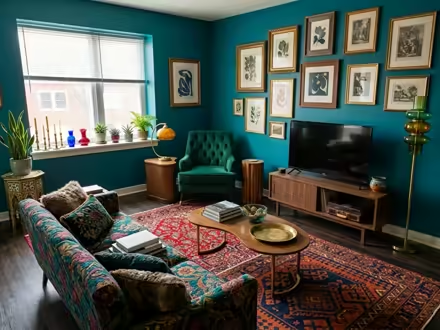
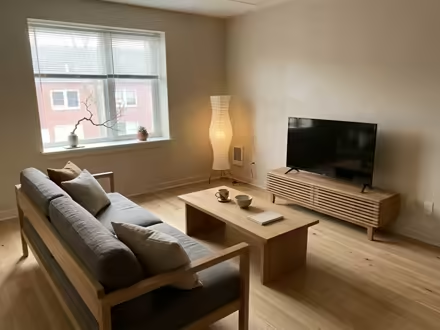
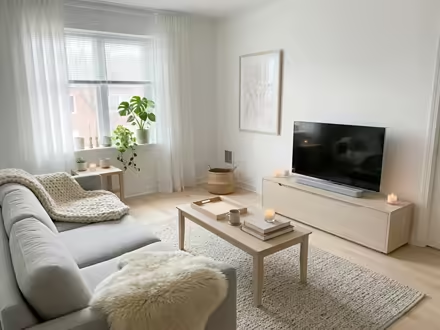
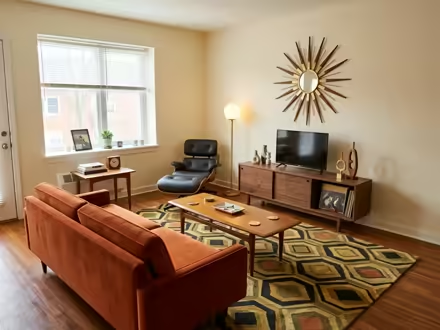
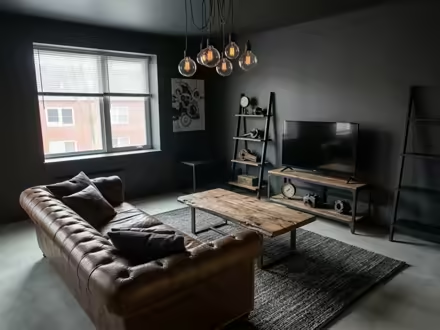
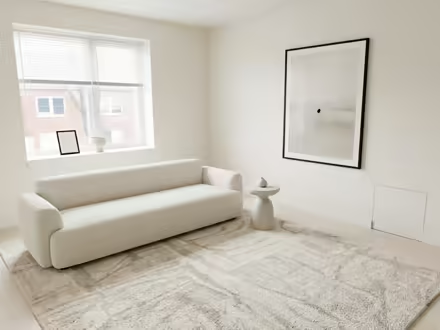
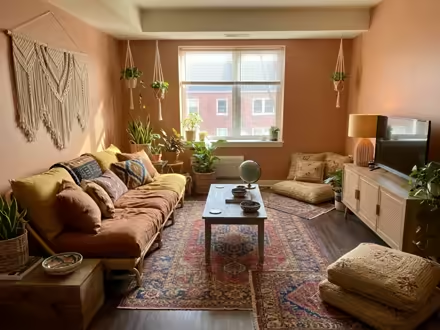
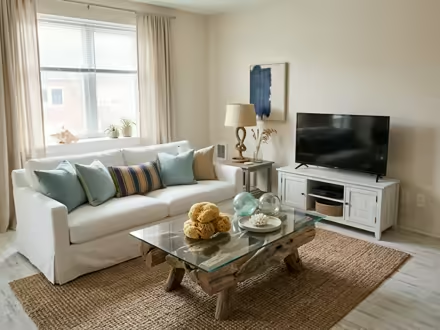
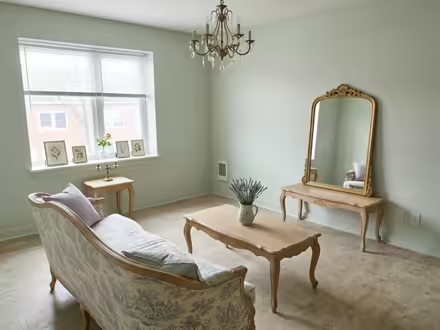
In any of 41 styles.
Each one a recipe checked on real rooms before it ships.
Answers, before you ask.
Does a rough pencil sketch work?
Yes, as long as the lines read clearly in the photo. Shoot the drawing flat, in good light, with the whole page in frame. Cleaner lines and labelled rooms give the tool more to work from.
Can it render a whole floor?
It renders one room at a time, the way a photograph does. For a whole floor, run each room as its own design. One credit covers one design, so a whole floor of eight rooms costs eight credits.
Is the example sketch a real drawing?
The before in our sketch example was made for the page rather than drawn by a customer, and the page says so under the slider. Your own sketches and plans work the same way.
Which packs include Sketch to Render?
All three. Every pack opens all twelve tools, Sketch to Render included, with a commercial license for client work. Architects sending many pictures to clients should look at the 500-credit Pro pack at $49.
Upload the photo, pick a style, and see it redesigned with the walls and windows where they are. Your first design is free; after that, credits from $7, paid once.
Redesign my photo