Your living room, redesigned by AI in 30 seconds.
Upload a photo of any room, house or garden. Redesign it, declutter it, furnish it or finish a bare shell in about 30 seconds, then turn it into a video.
- 12 tools
- 41 styles
- No subscription
Upload, pick a tool and a style, and it comes back in about 30 seconds. Your first design is free; it's public, and designs made with credits stay private.
Same kitchen, same request. Only one kept the kitchen.
One shows your actual room, with your walls and your windows where they are. Hover or tap a result to peek at the photo underneath.
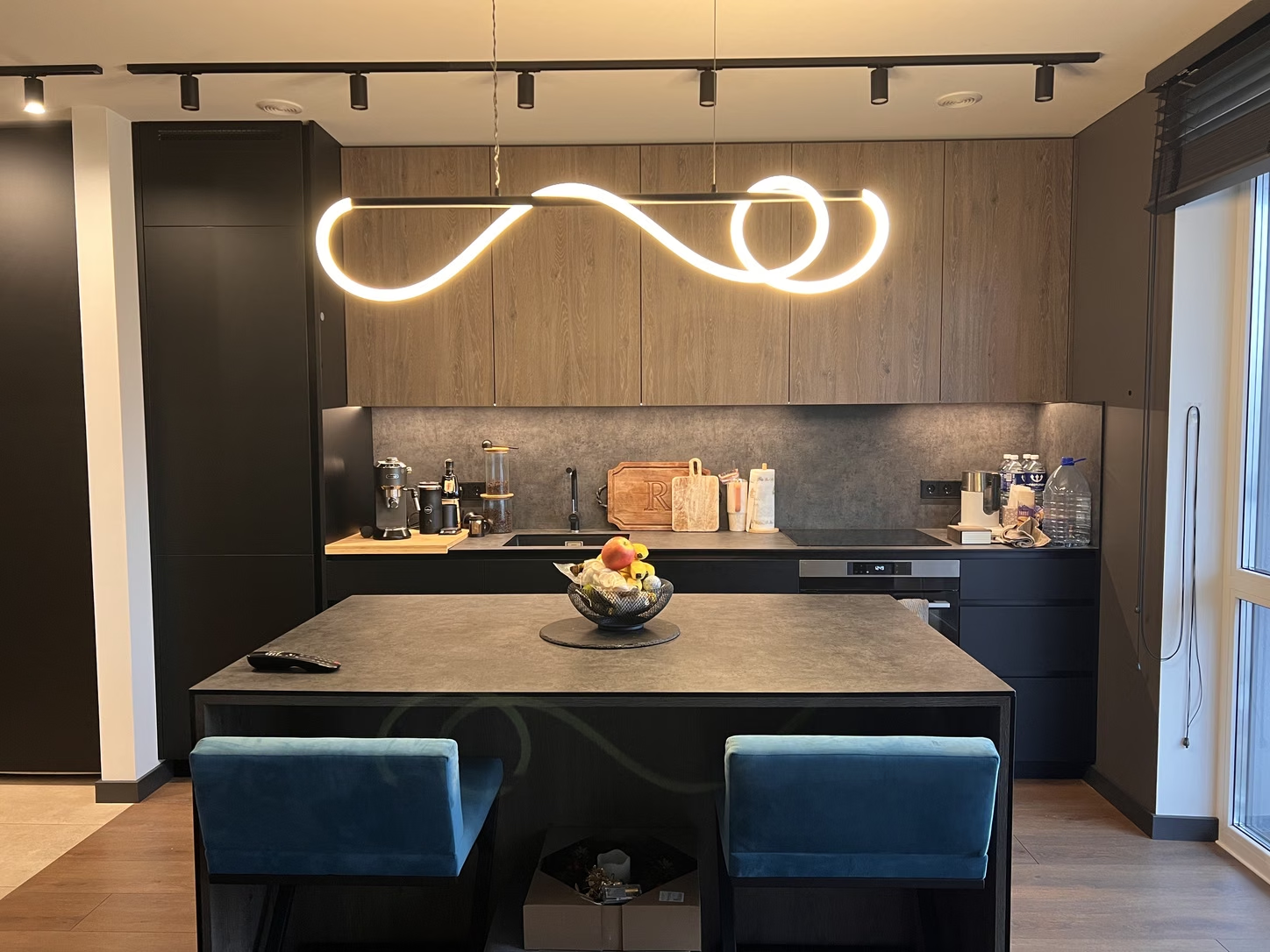 The photo
Other tools
This photo, asked for Modern Farmhouse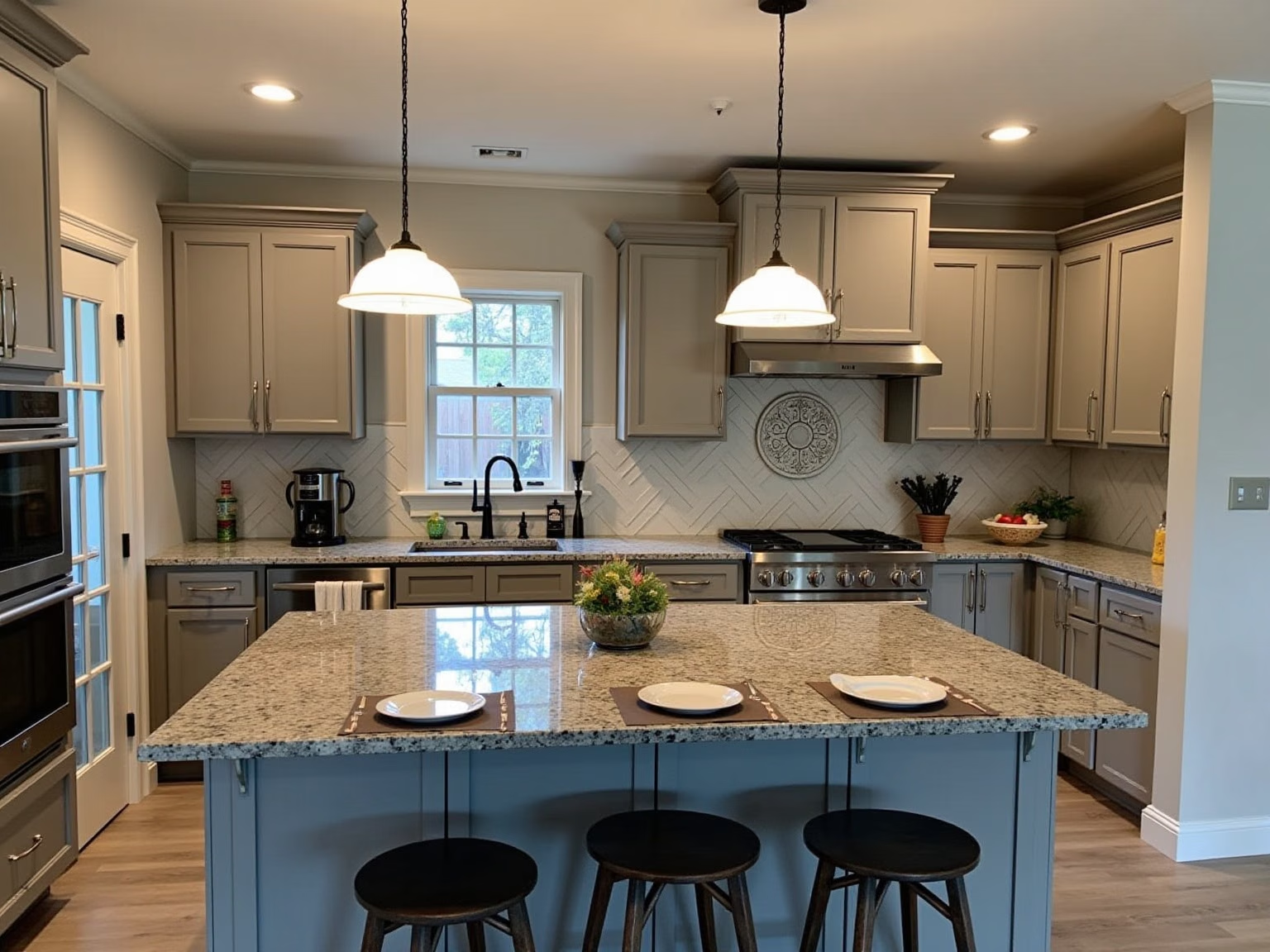
- The window moved from the right wall to over the sink.
- A glass door appeared on the left.
- The hob and the oven became a range with a hood.
- A different island, with a third stool.
Our tool
Same photo, same request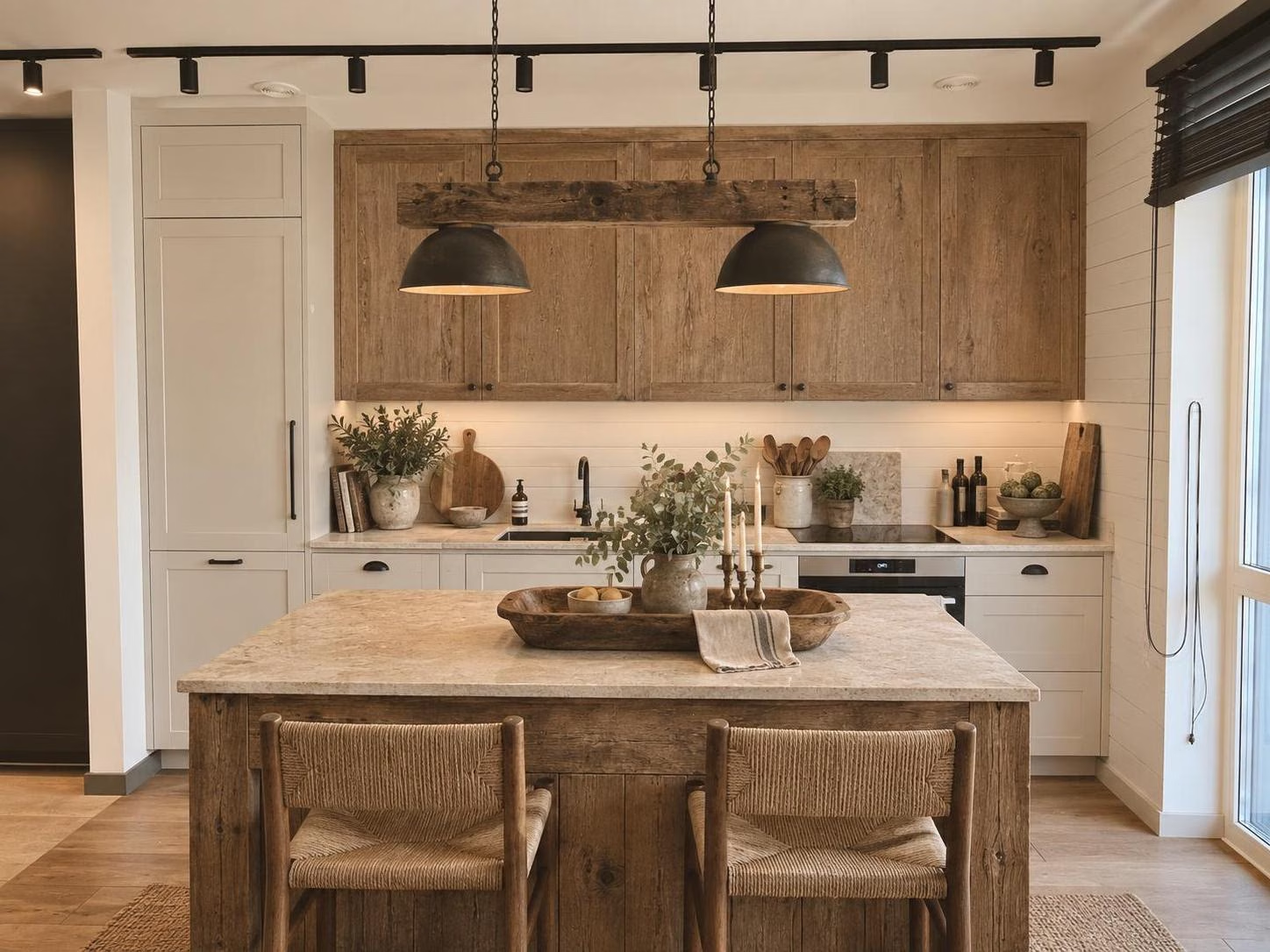
- The window and its blinds, where they were.
- The island and its two stools, in the same spot.
- The sink, the hob, the oven and the track lights, where they were.
- Only the fronts, the worktop, the splashback and the pendant changed.
Recent designs, made by people on the site.
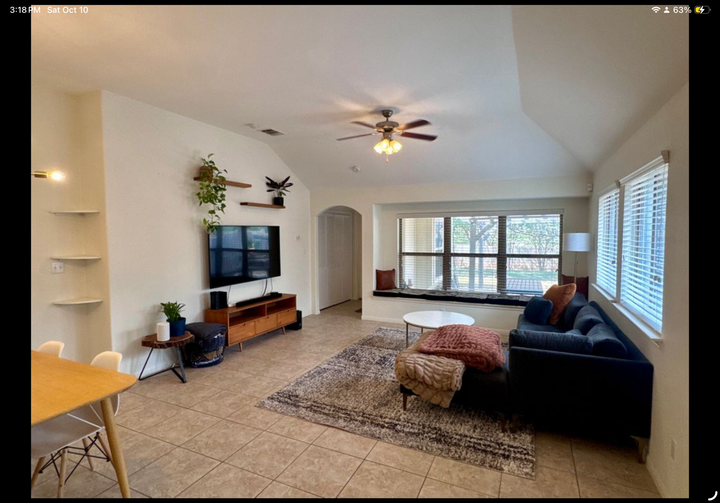
Real photos, redesigned here. Open one to see the room it started from.
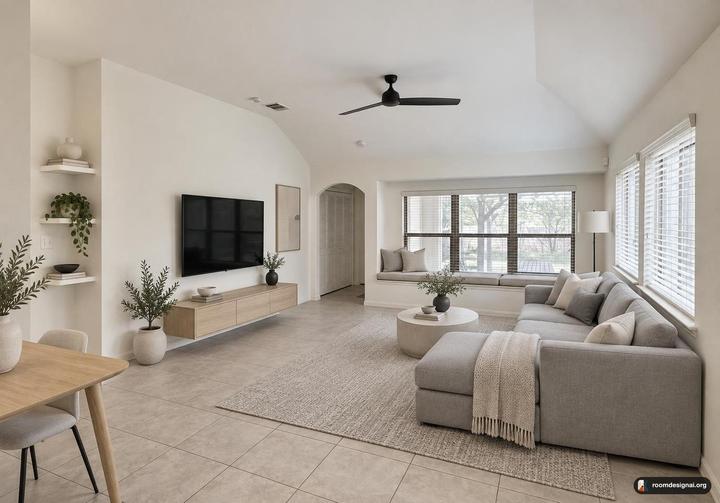 MinimalistBefore
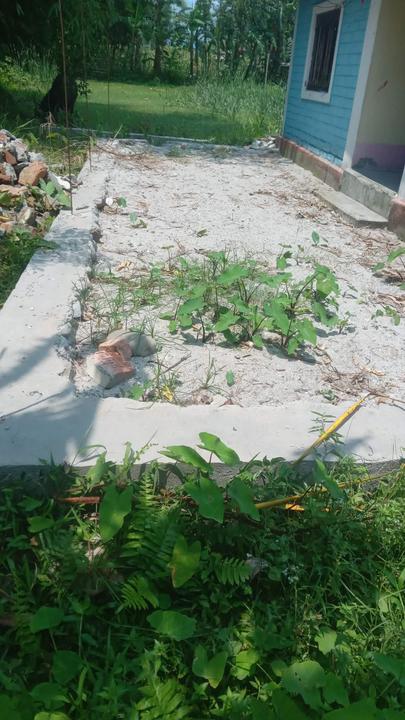
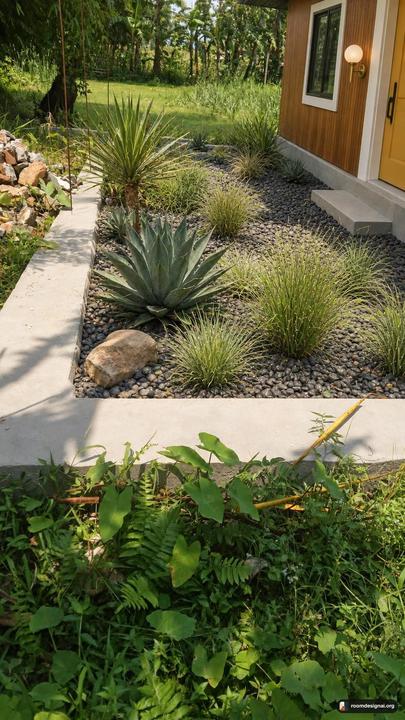 Mid-Century ModernBefore
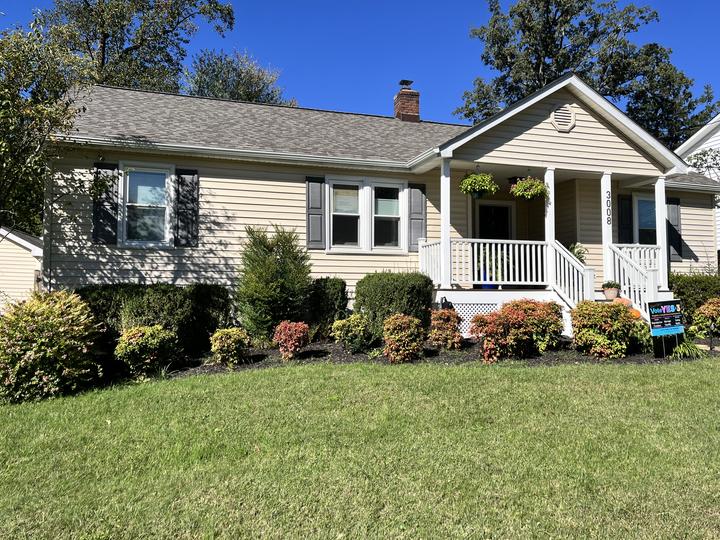
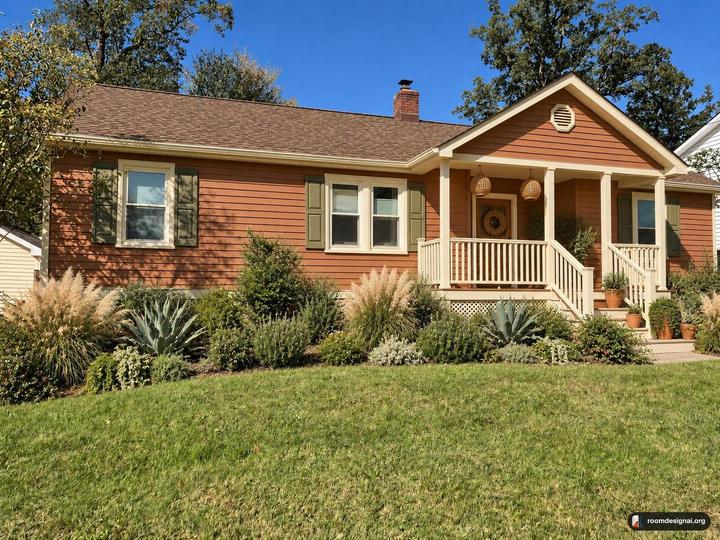 BohoBefore
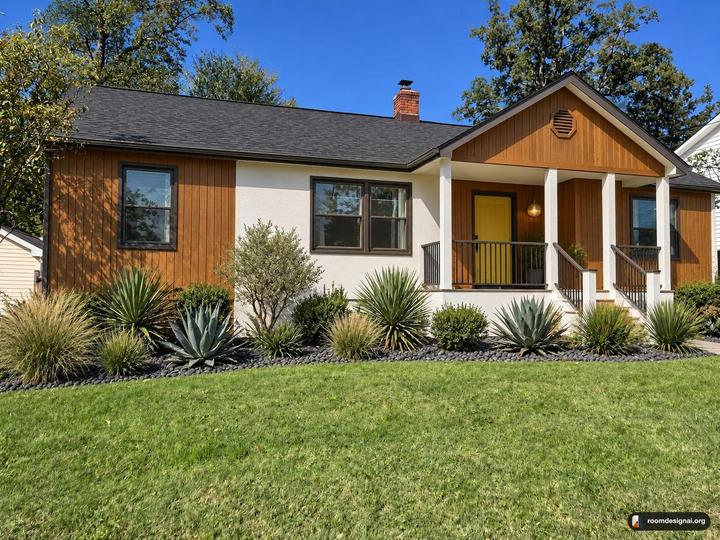 Mid-Century ModernBefore
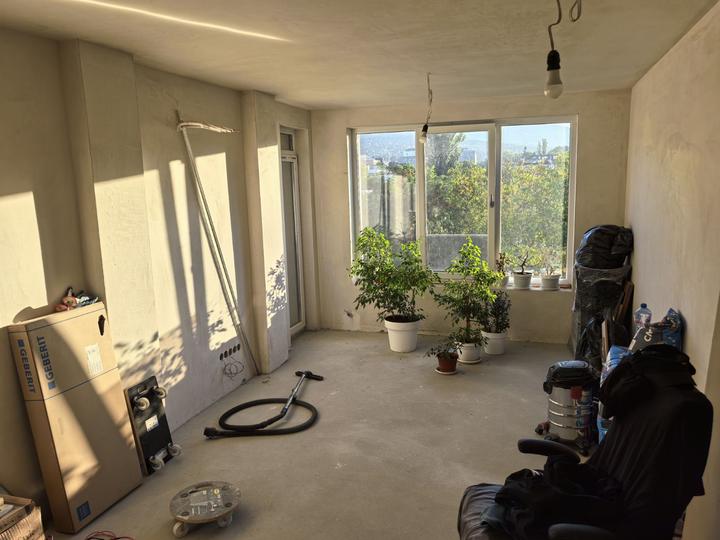
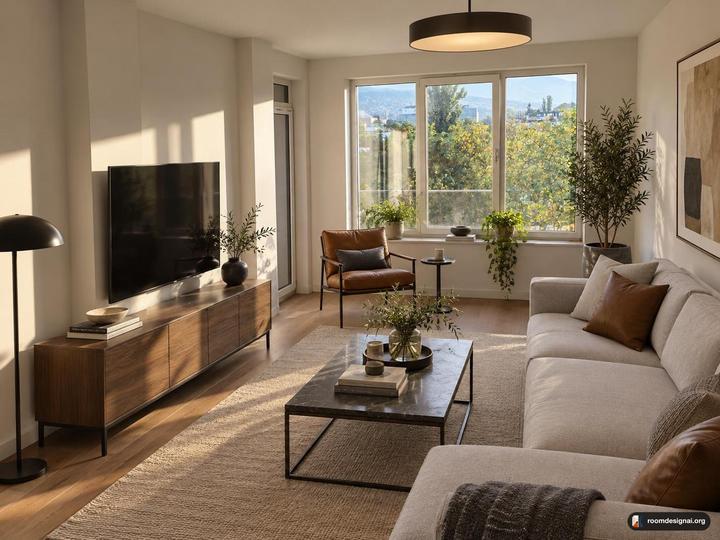 ModernBefore
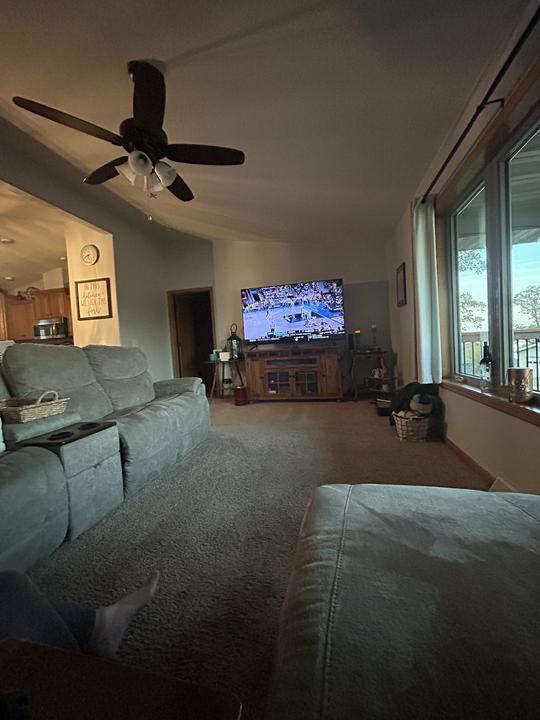
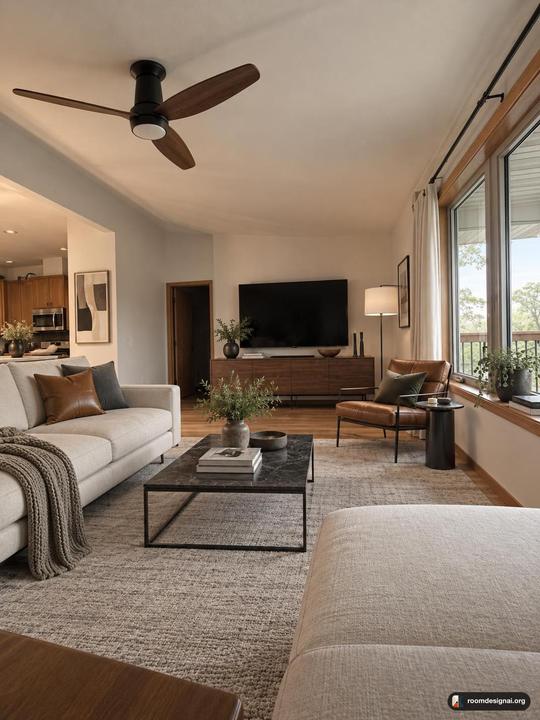 ModernBefore
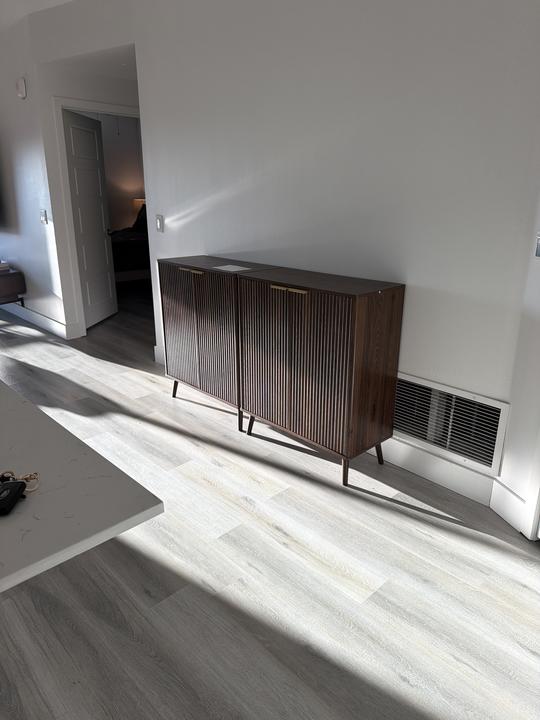
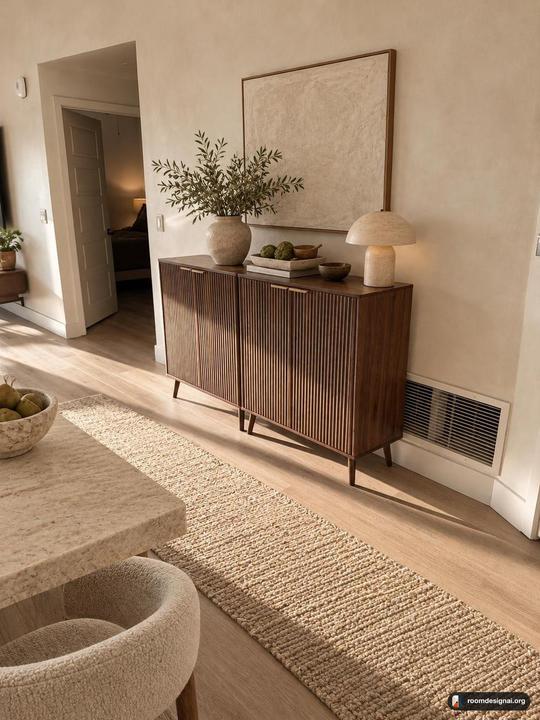 Organic ModernBefore
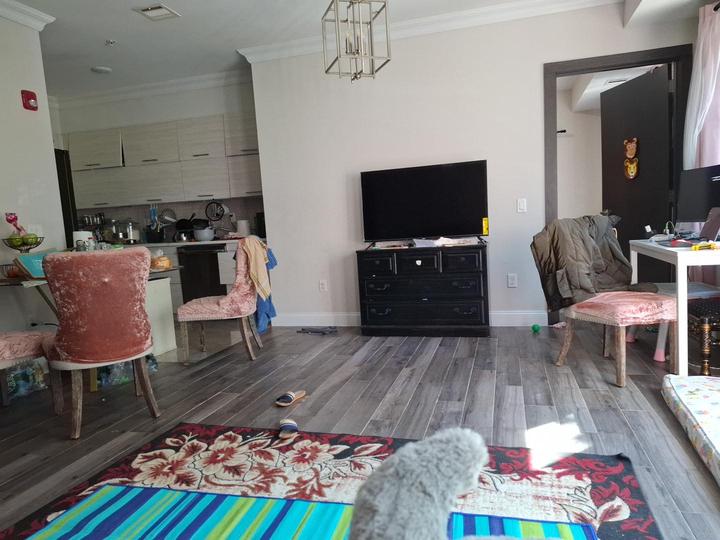
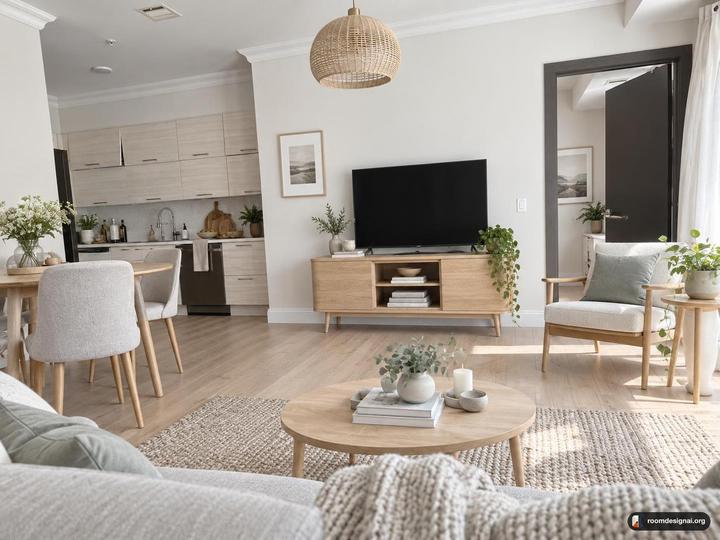 ScandinavianBefore
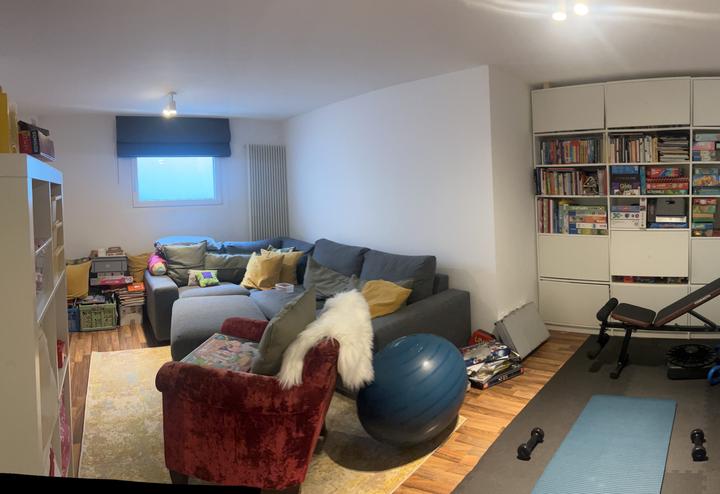
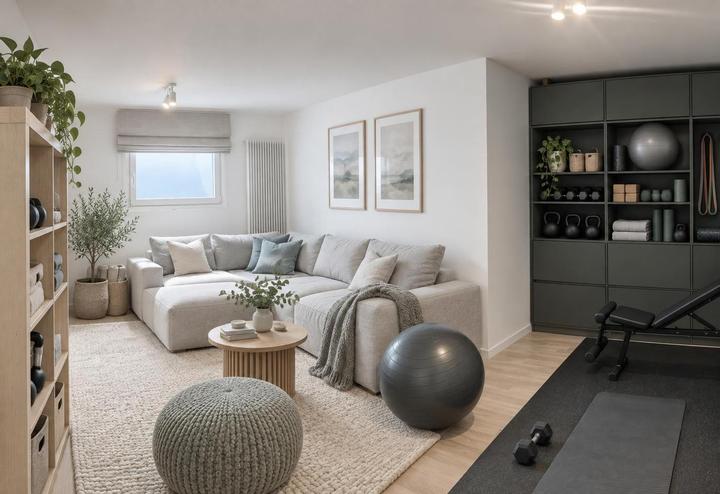 ScandinavianBefore
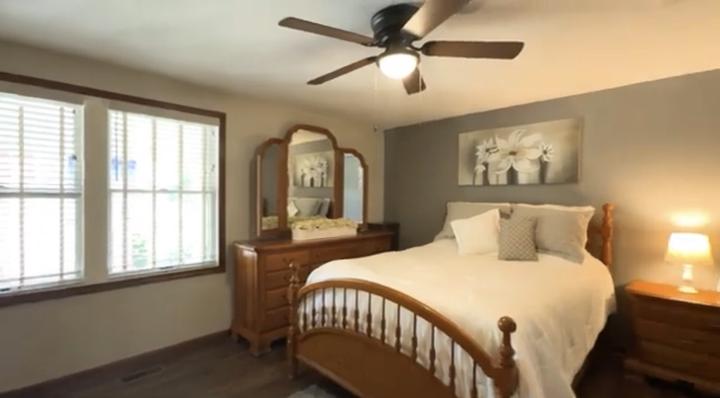
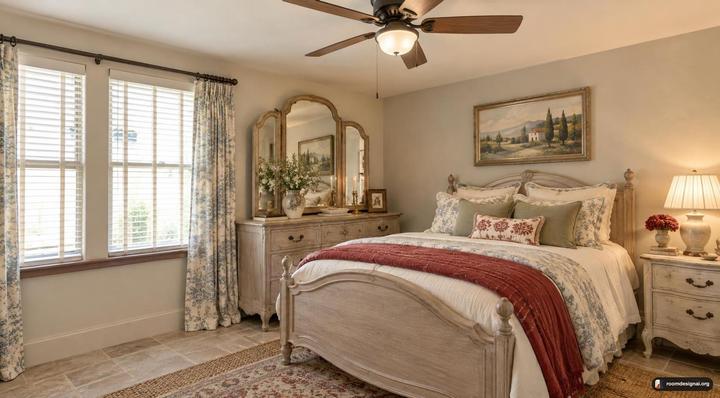 French CountryBefore
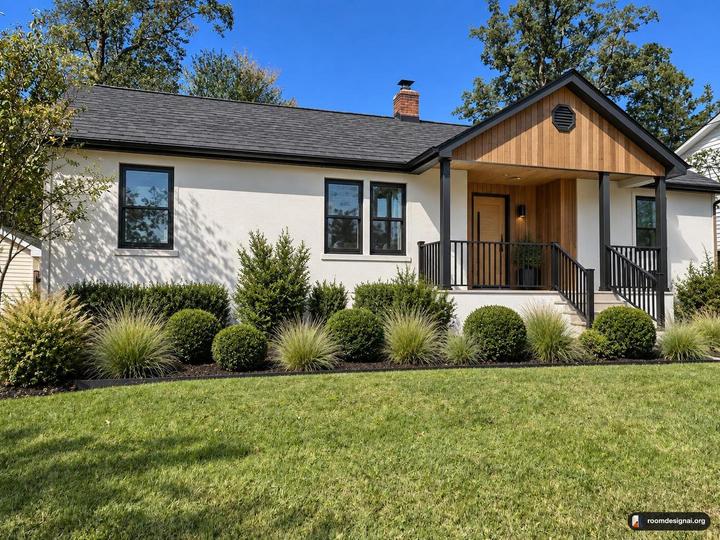 ModernBefore
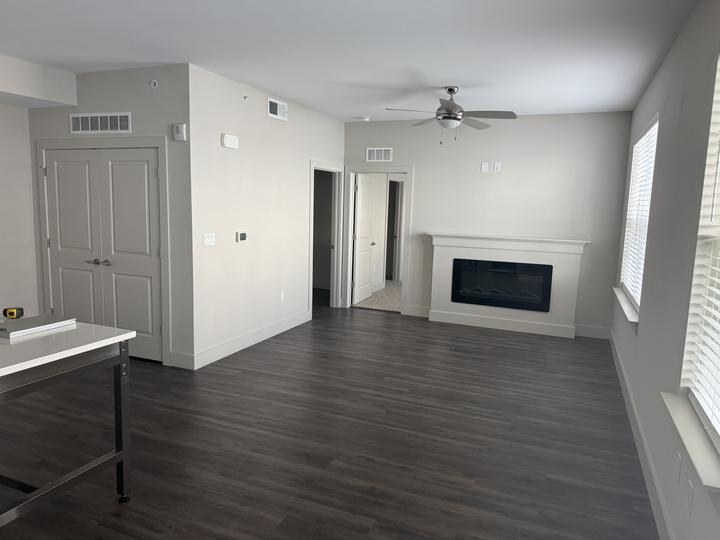
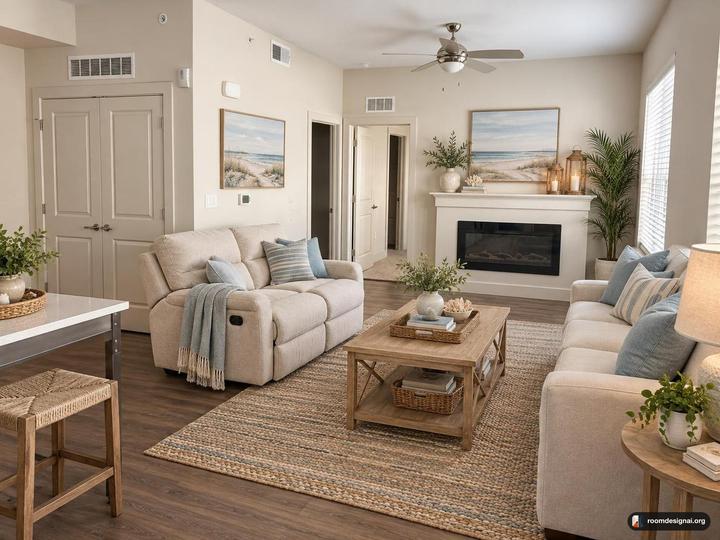 CoastalBefore
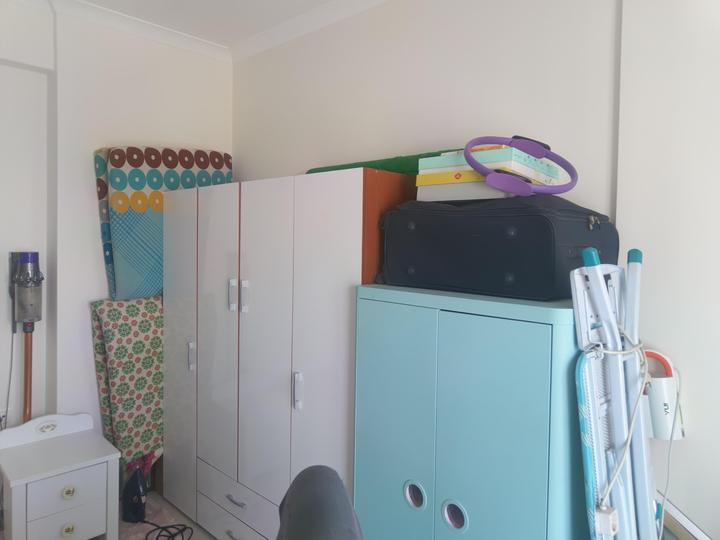
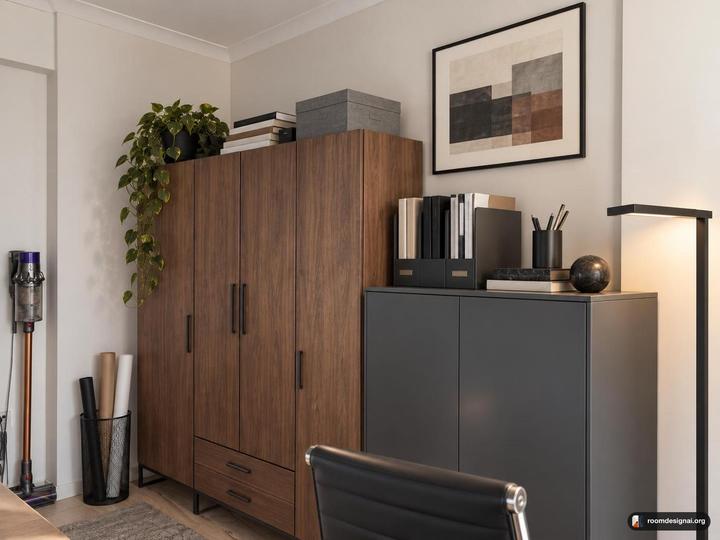 ModernBefore
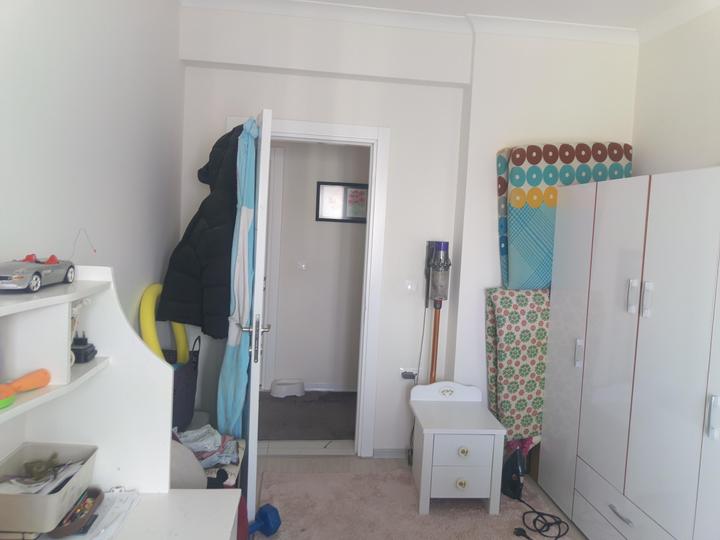
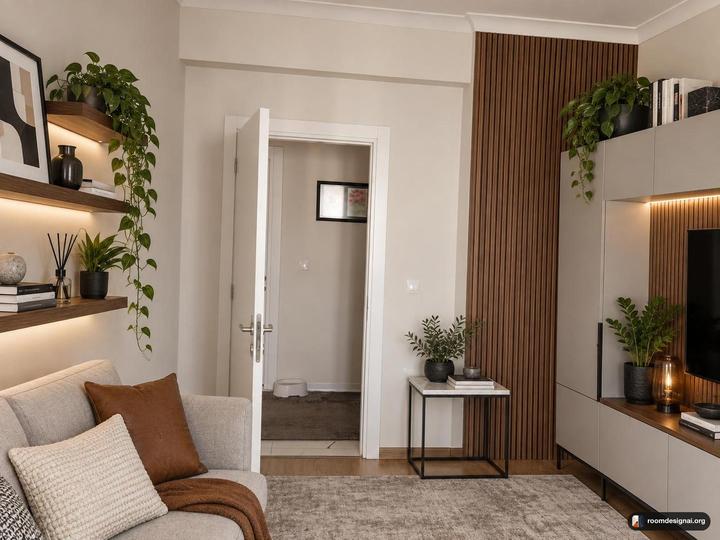 ModernBefore
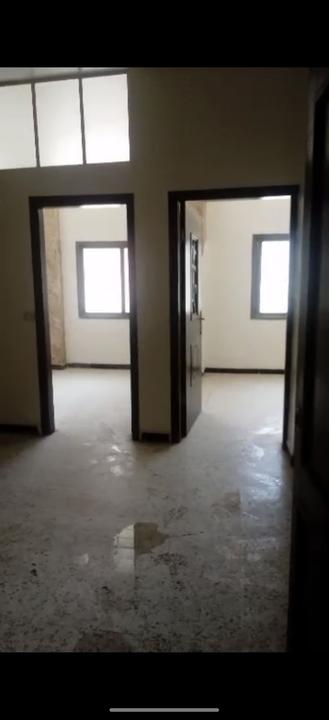
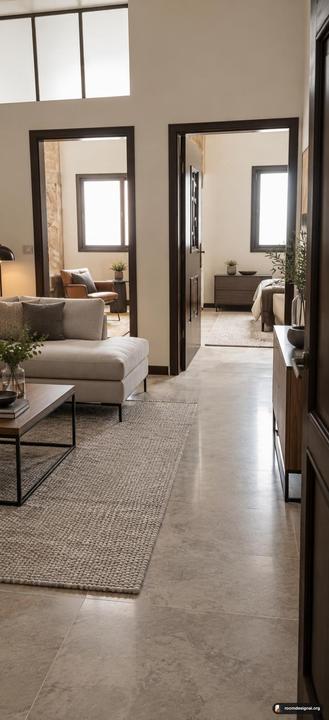 ModernBefore
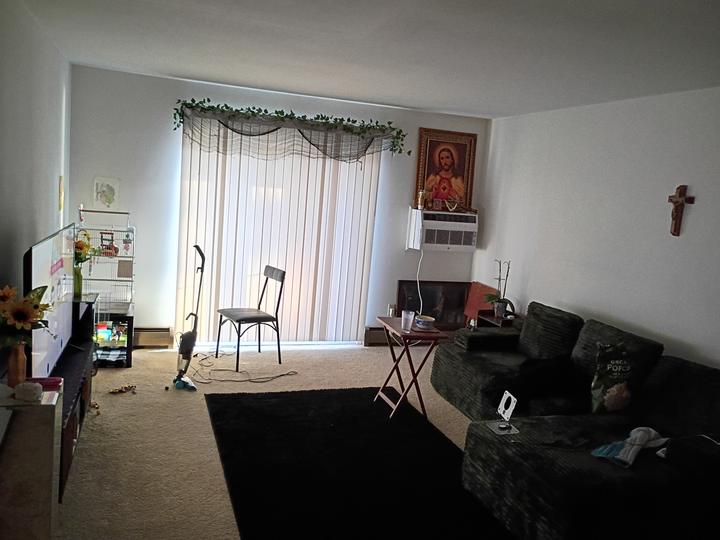
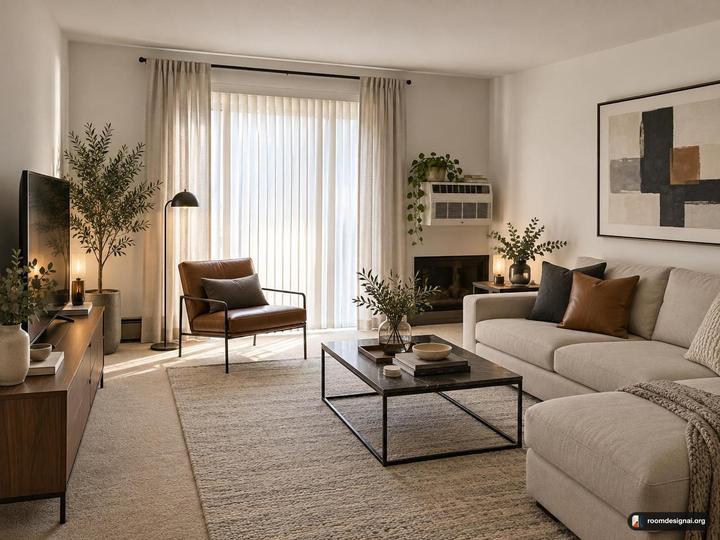 ModernBefore
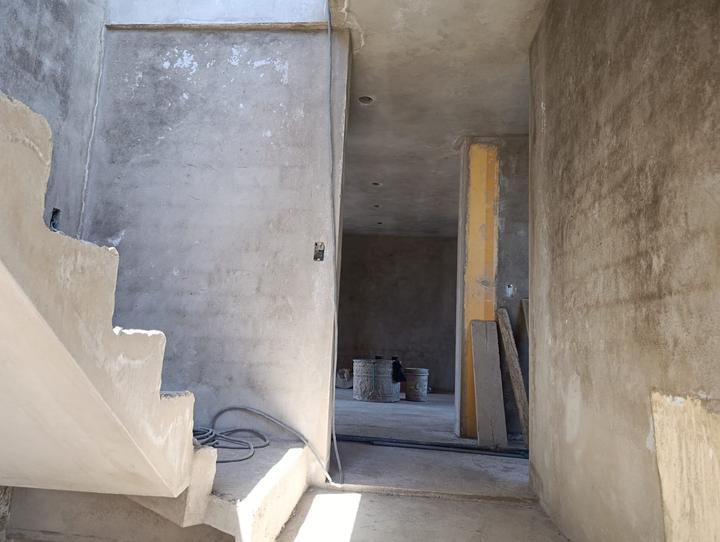
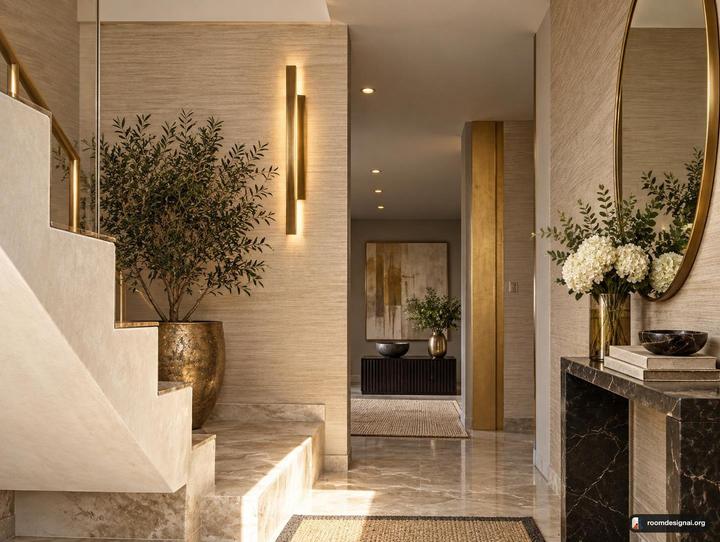 Luxury GlamBefore
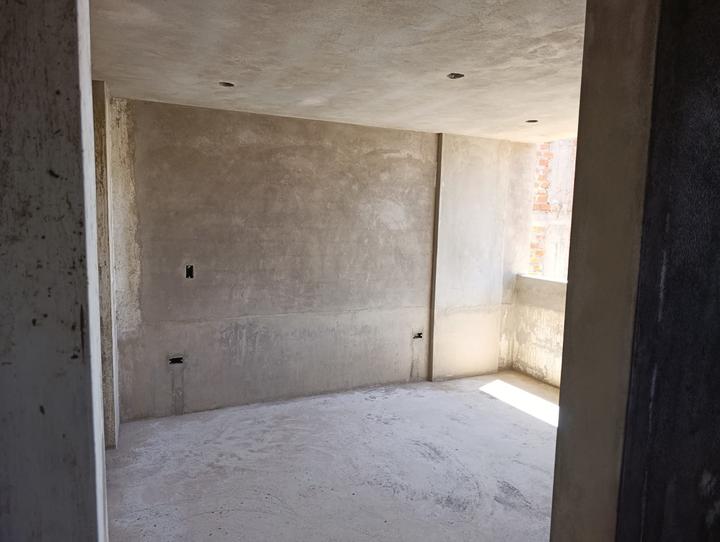
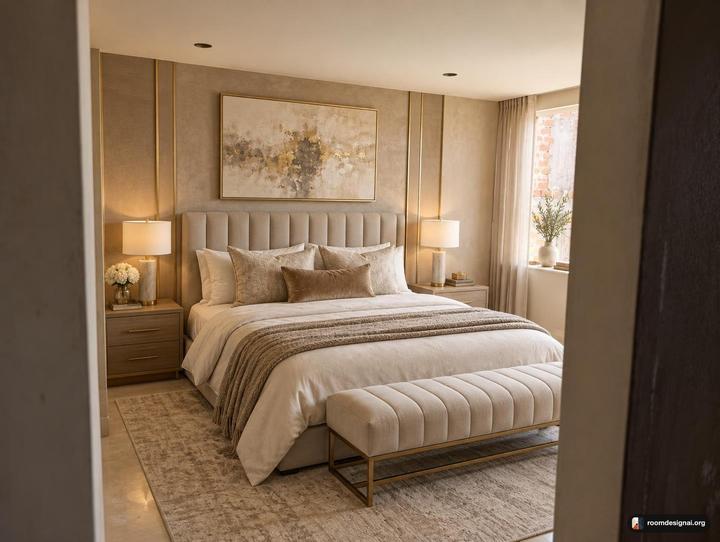 Luxury GlamBefore
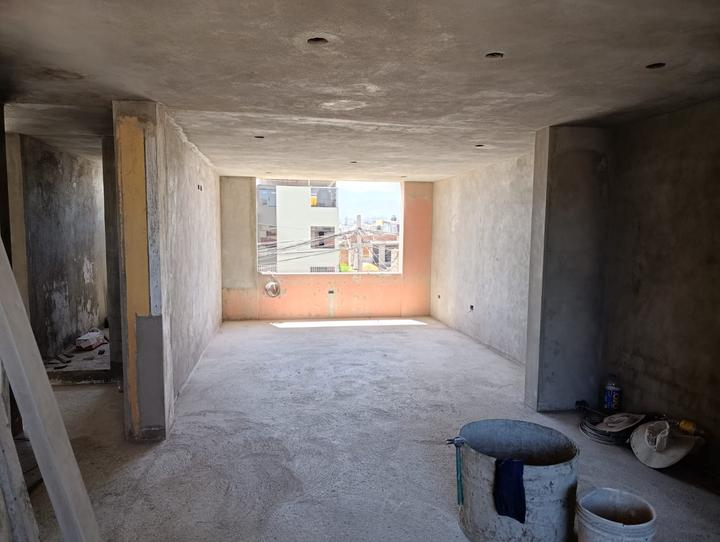
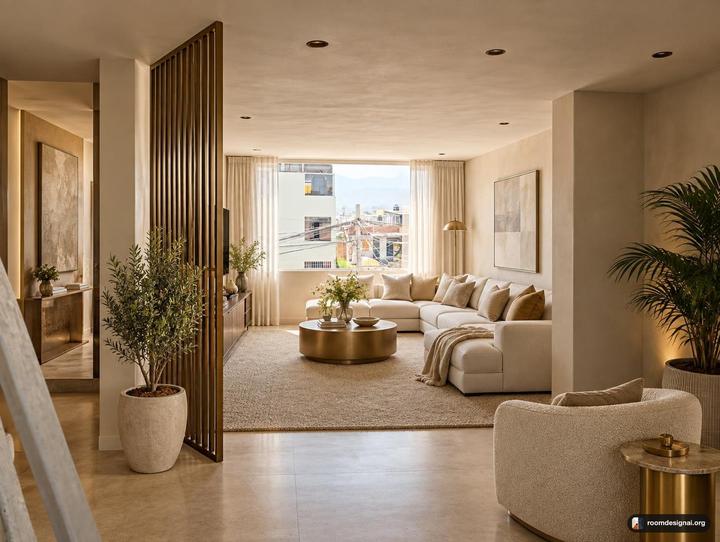 Luxury GlamBefore
.jpeg)
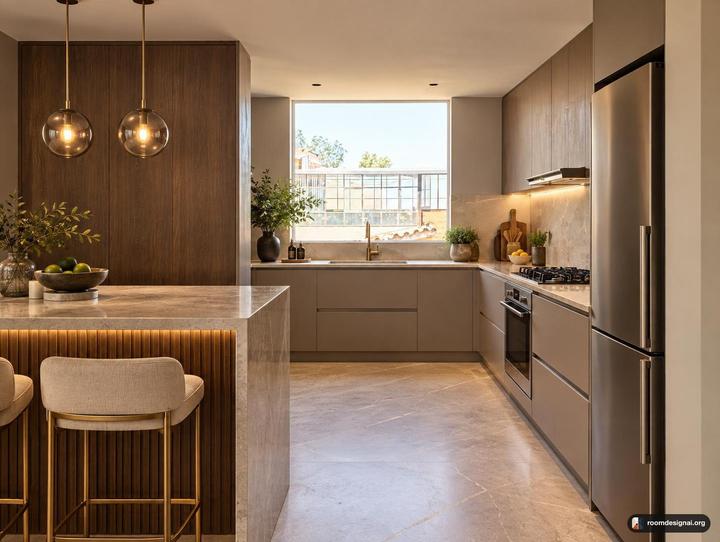 Luxury GlamBefore
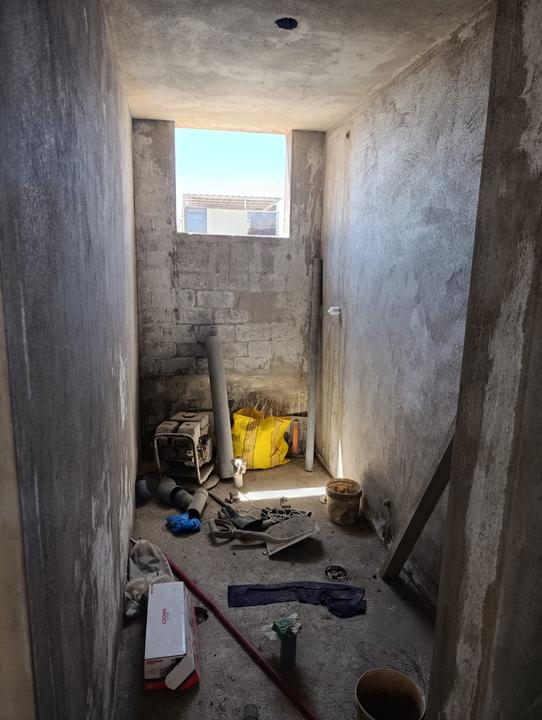
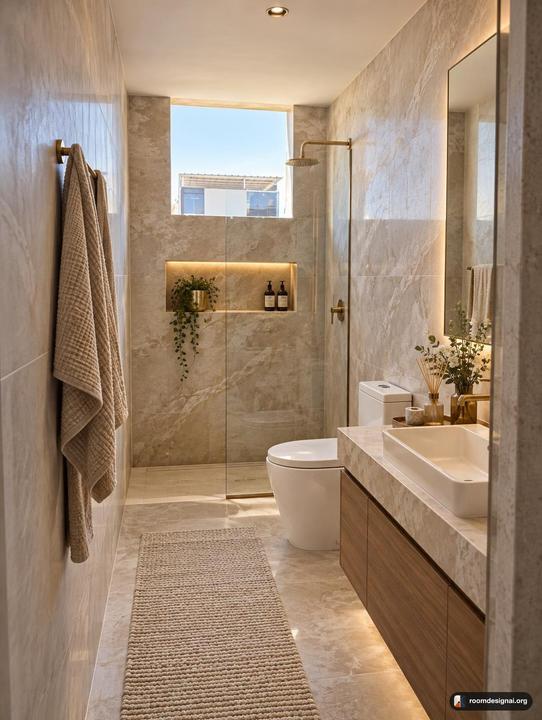 Luxury GlamBefore
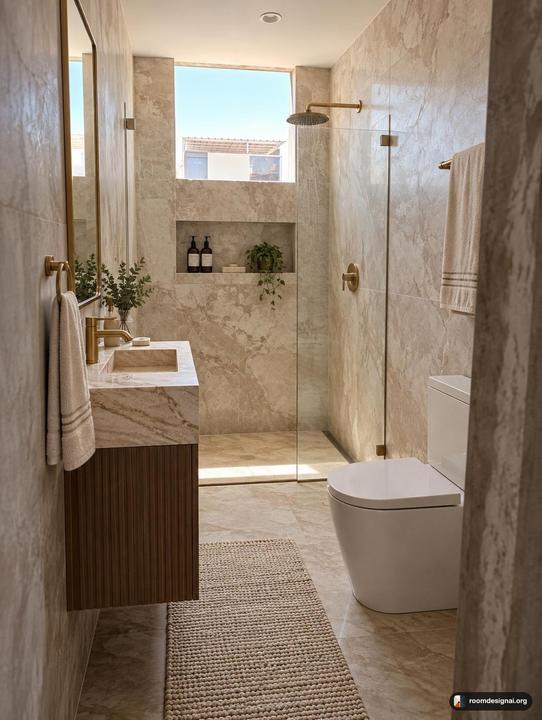 Luxury GlamBefore
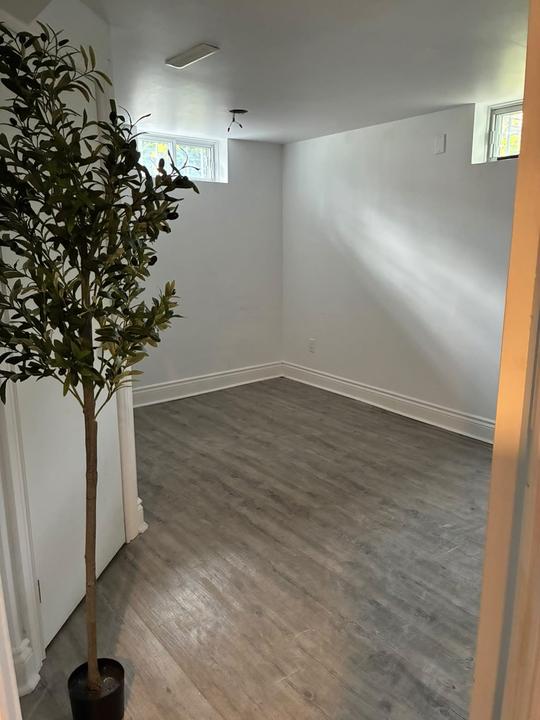
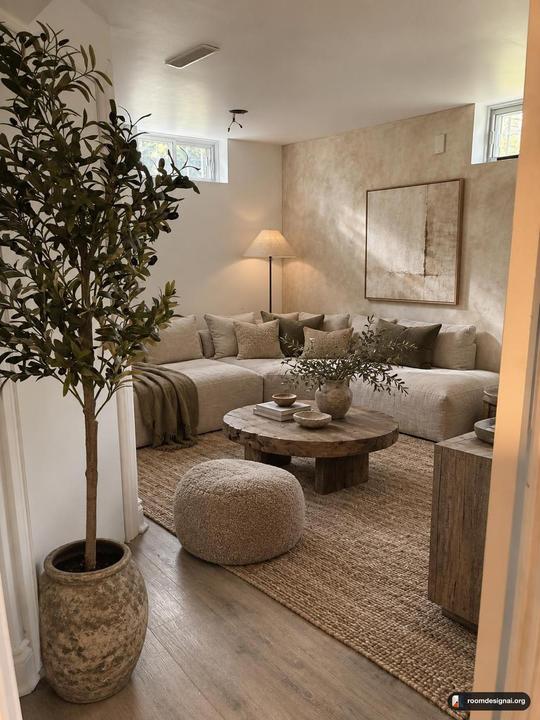 Wabi-SabiBefore
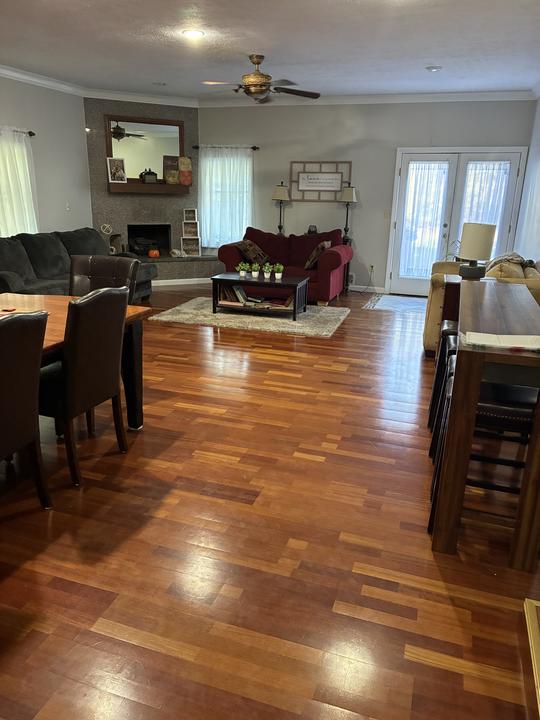
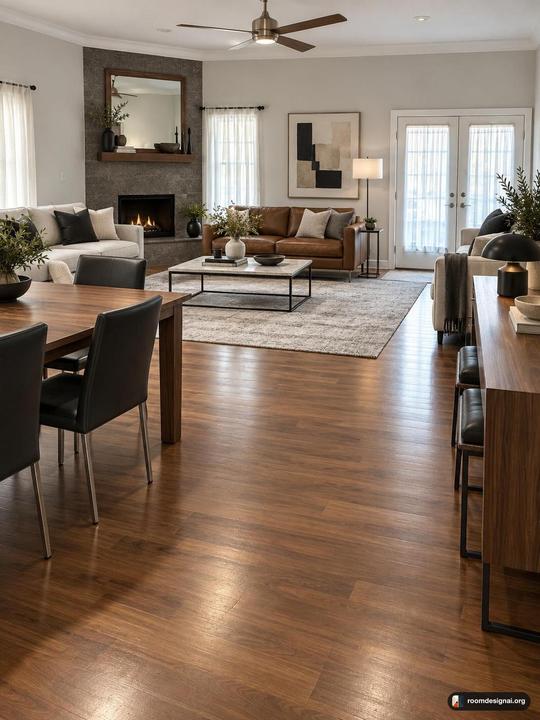 ModernBefore
Twelve tools. Every one works on the photo you give it.
Nothing is generated from nothing. Each pair is the tool's own render of the photo underneath. Hover or tap one to see where it started.
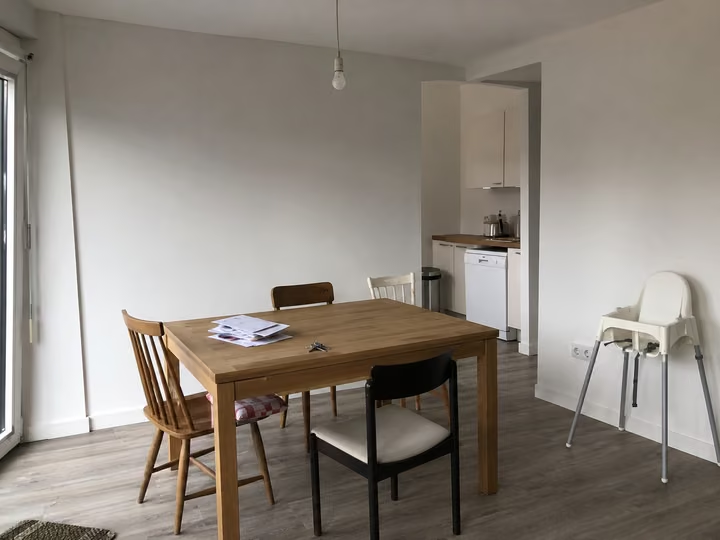
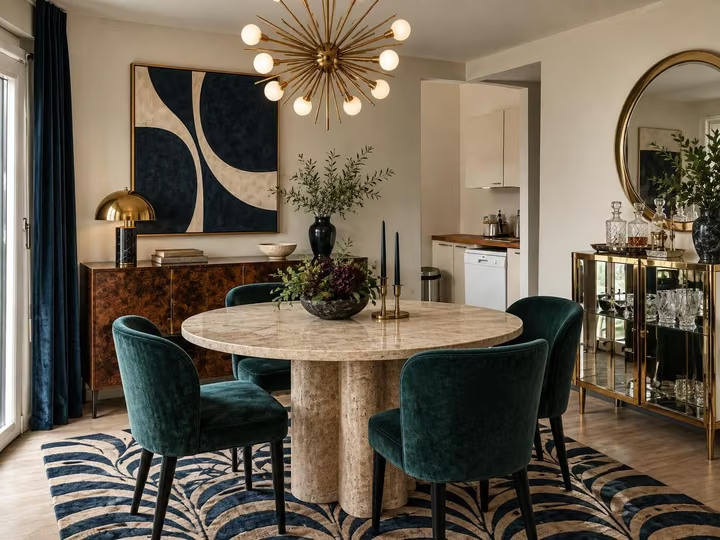 AfterBefore
Redesign your interior space
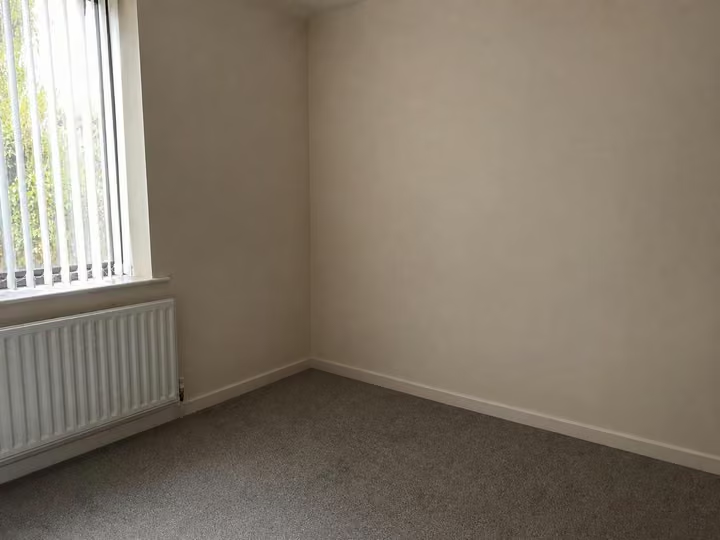
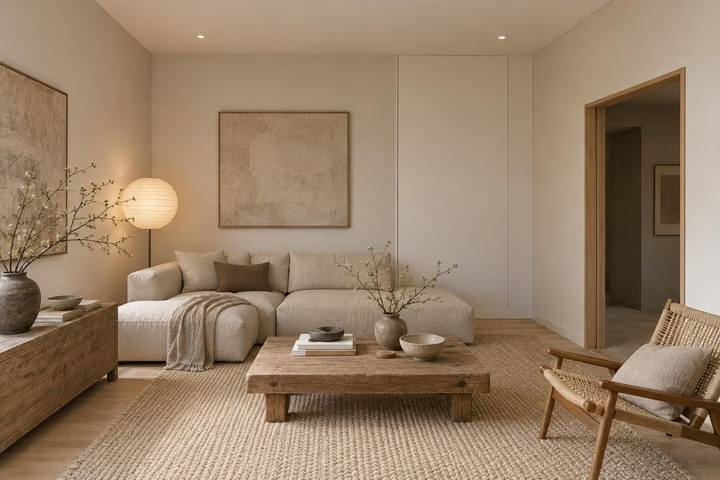
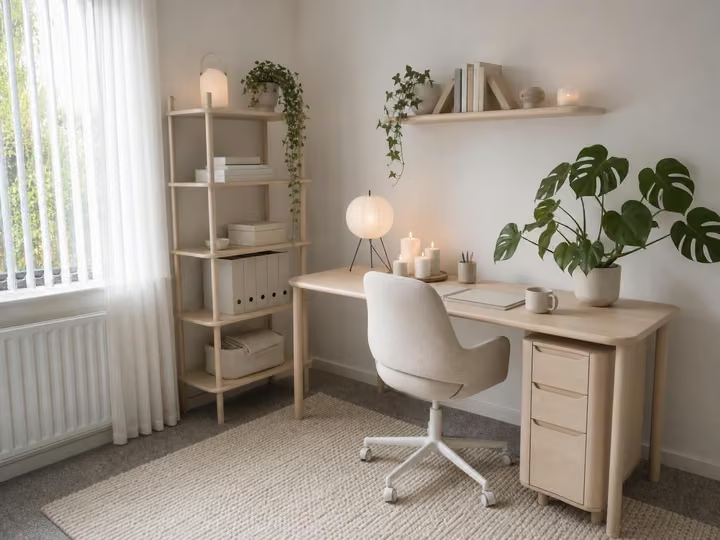 AfterEmpty room
Furnish and decorate empty rooms
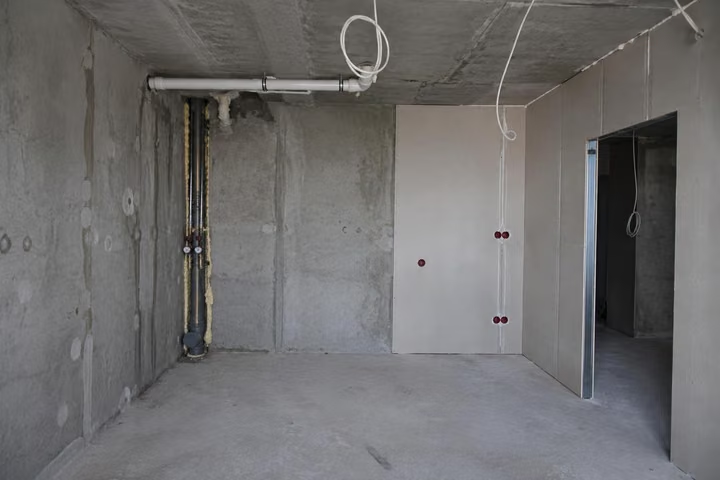
 AfterBare shell
Bare concrete to a finished, furnished home
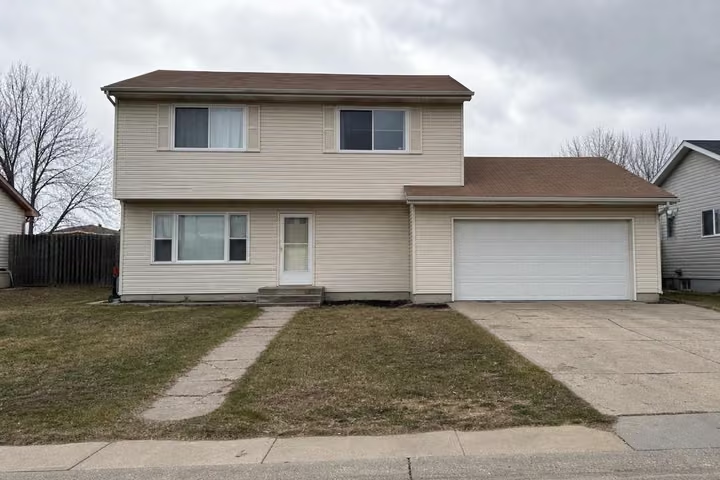
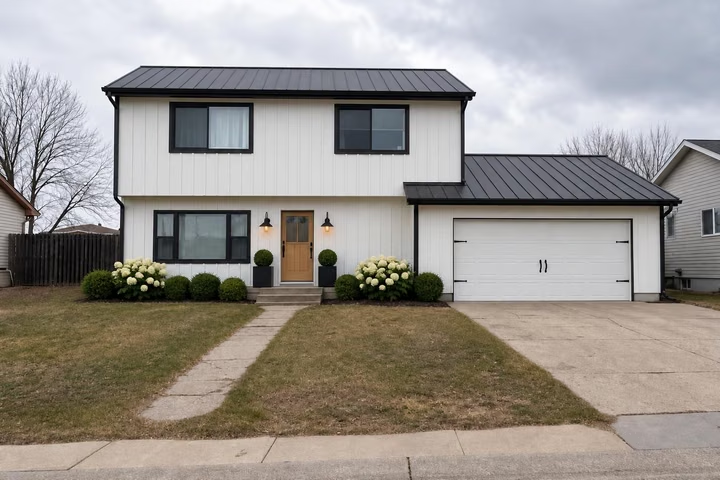 AfterBefore
Redesign your exterior space
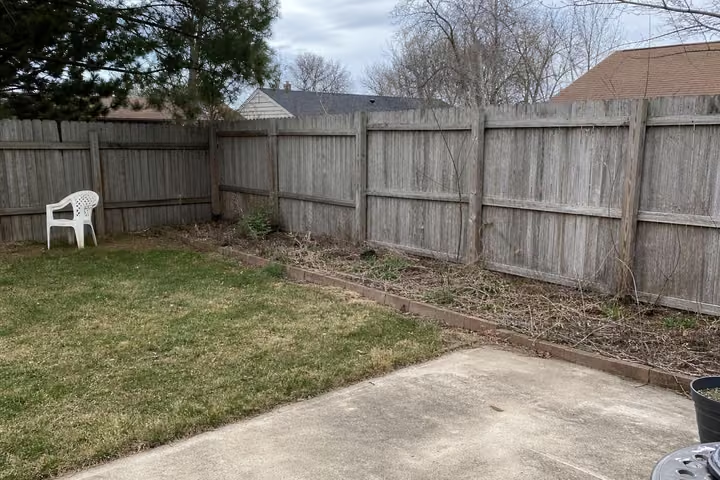
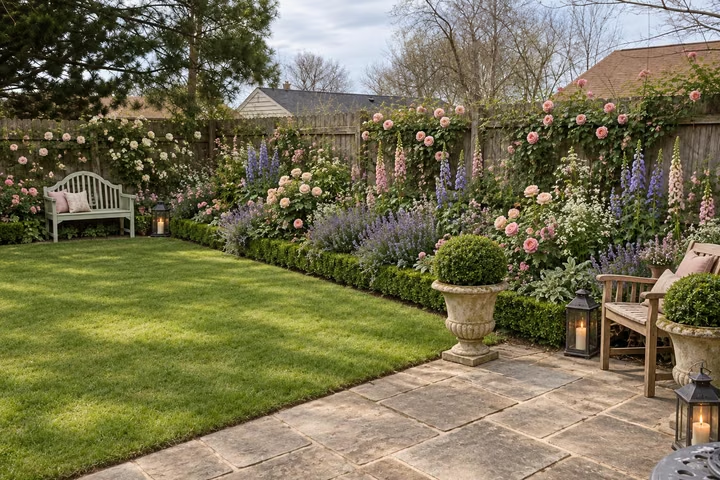 AfterBefore
Redesign your garden
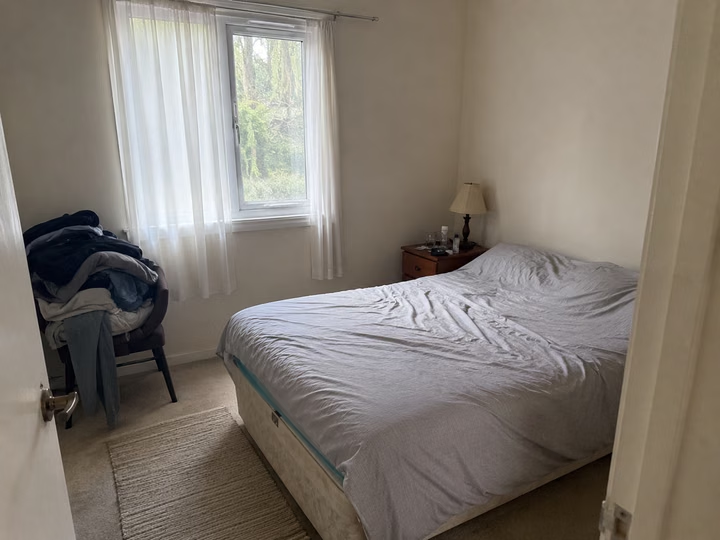
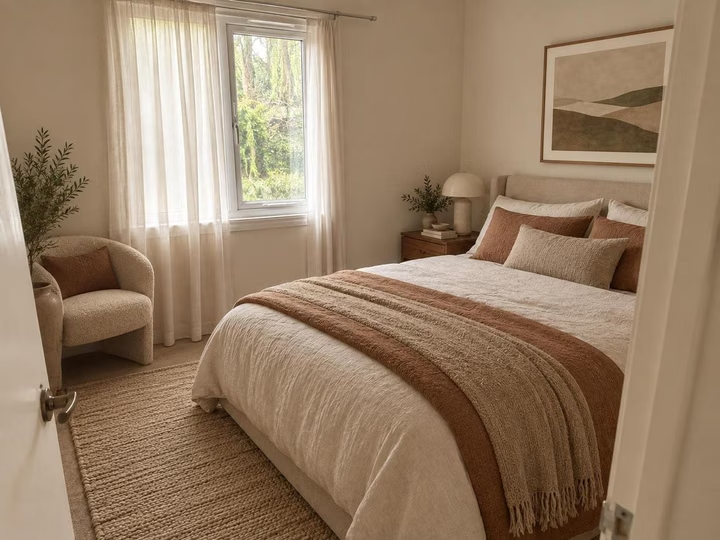 AfterBefore
Apply any style from a photo
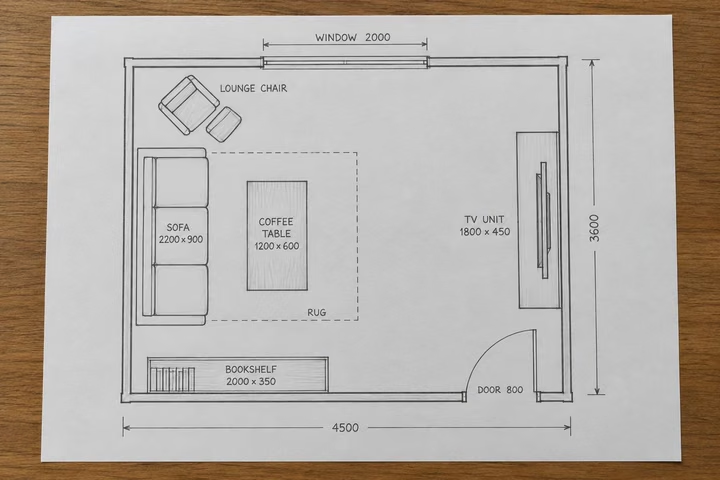
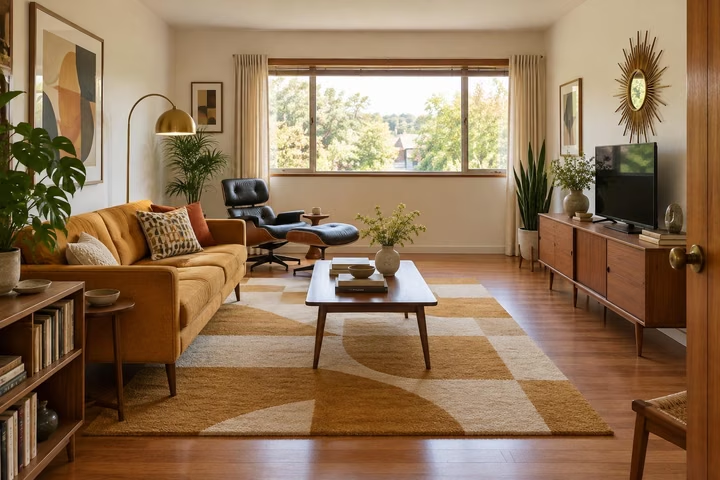 AfterSketch
Turn a sketch or floor plan into a real room
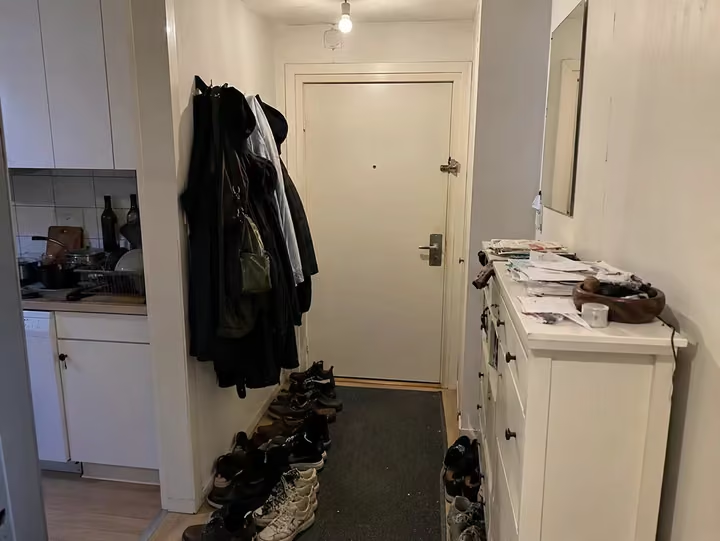
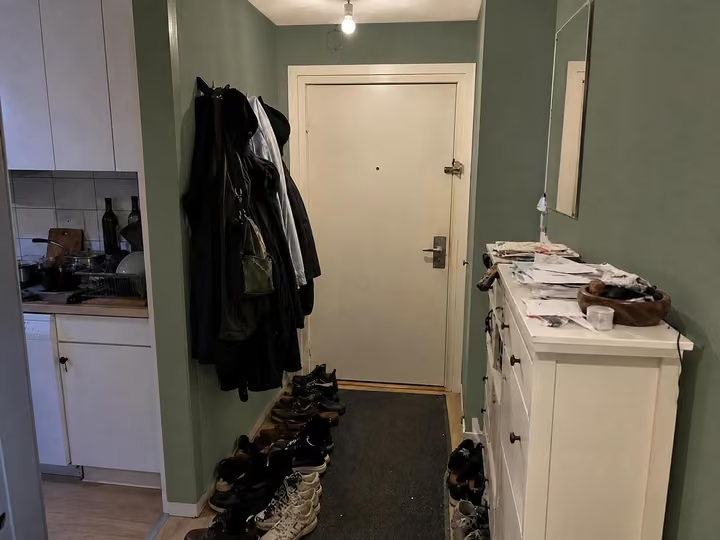 AfterBefore
Change paint, wallpaper, and more
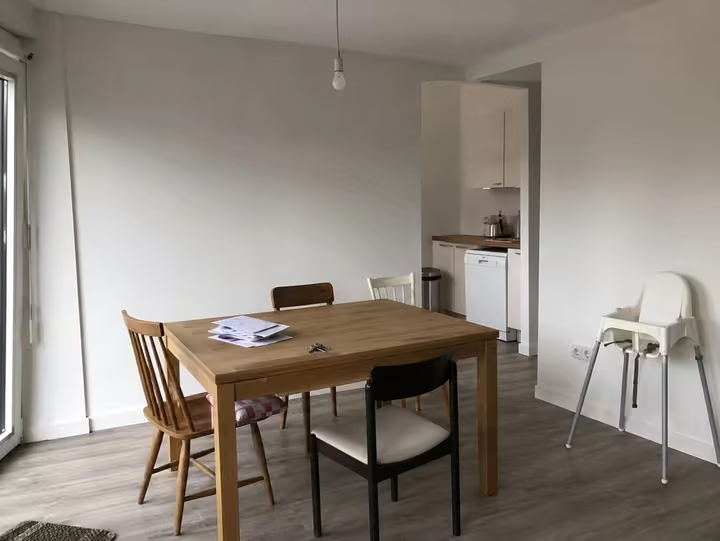
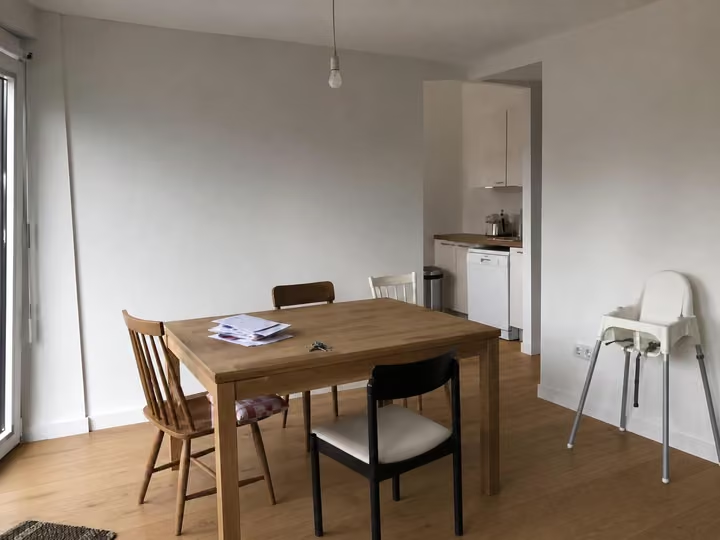 AfterBefore
Wood, carpet, tile, and more
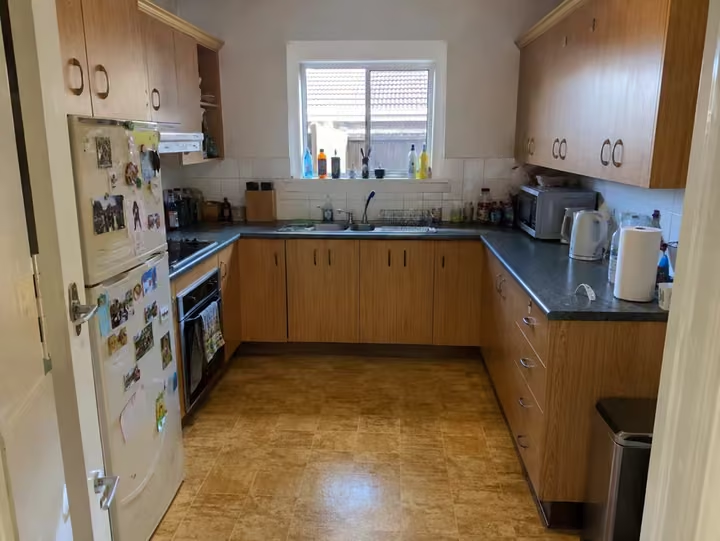
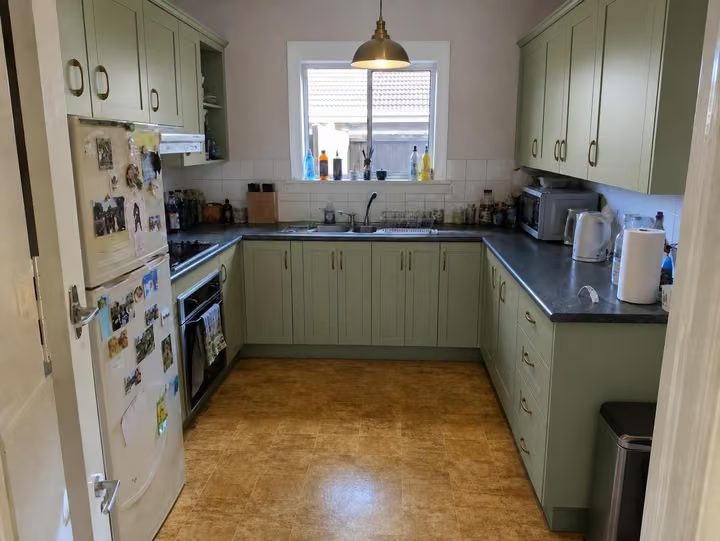 AfterBefore
Swap and add furniture
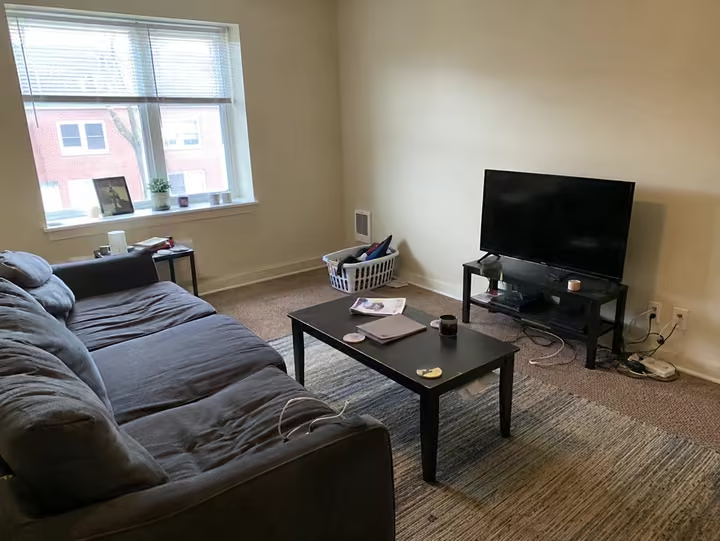
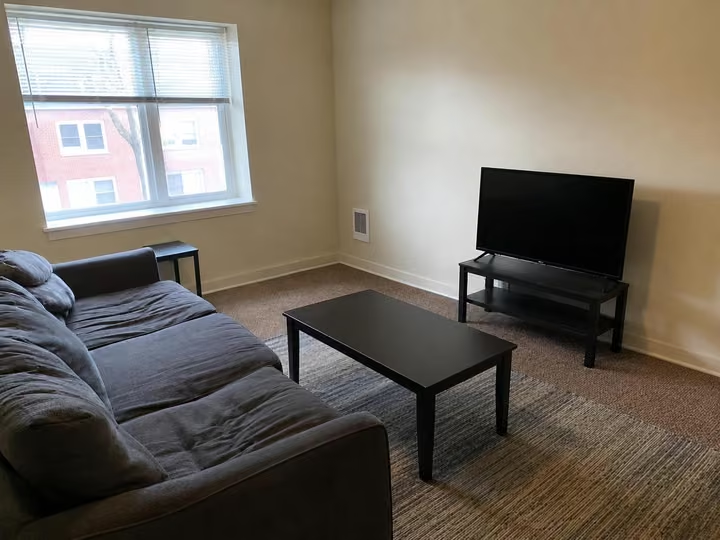 AfterBefore
Clean up a room instantly
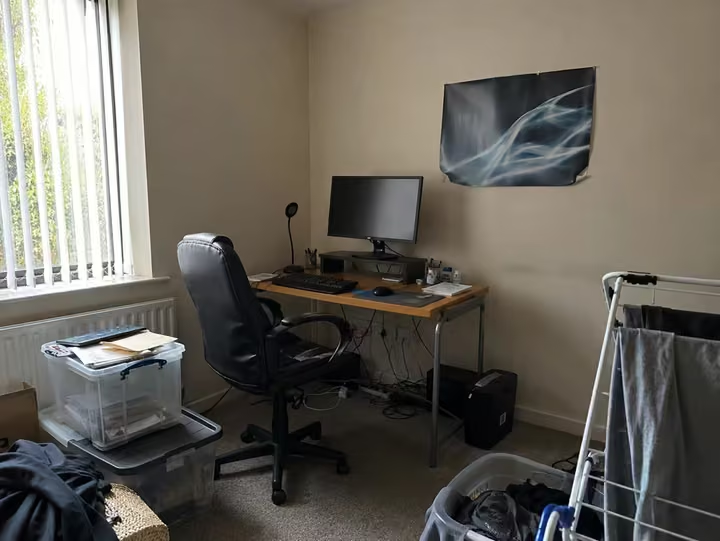
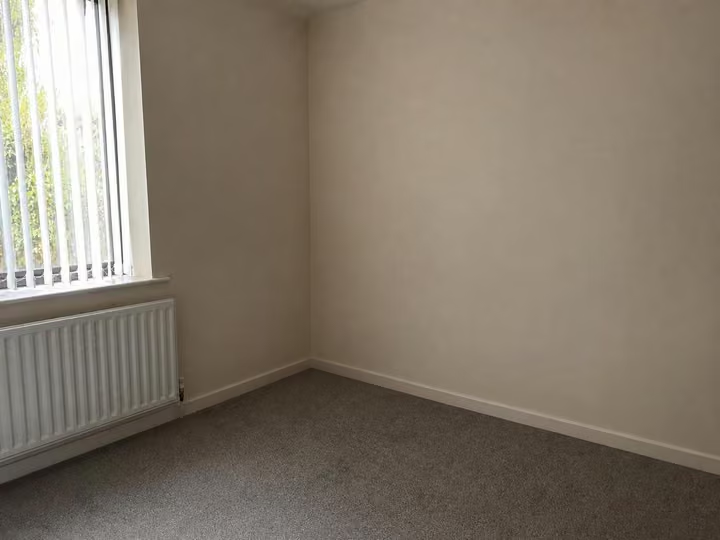 AfterBefore
Erase furniture from a photo
Built for the people who sell rooms, build rooms, and live in them.
Seven kinds of work. One photo each.
Realtors
Stage a vacant listing before the photographer packs up. No rented furniture.
Interior designers
Three concepts on the client's own room before the first meeting.
Contractors
Show the finished job before the first invoice. Bids close faster.
Architects
A rendered shell from a bare one, in the style the client asked for.
Landscapers
The garden, the patio, the fire pit, before anyone digs.
Builders
Finish a concrete shell on screen and sell it off plan.
Homeowners
See it before you buy the sofa. Then try it in forty other styles.
Your own room
Any room, any house, any garden. Start with one photo.
41 styles, each checked on real rooms.
Every one a hand-tuned recipe, from Japandi to Hollywood Regency, and every pack renders them on the same model. See them on real rooms.
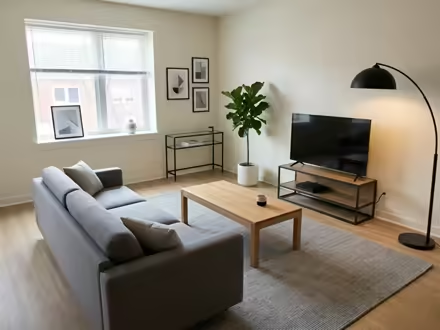 Modern
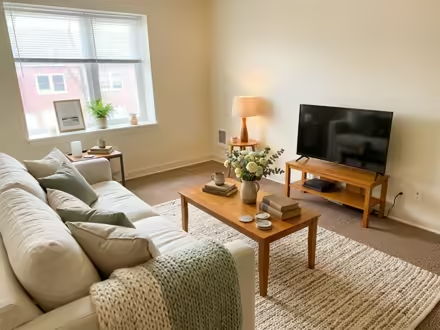 Cozy Cottage
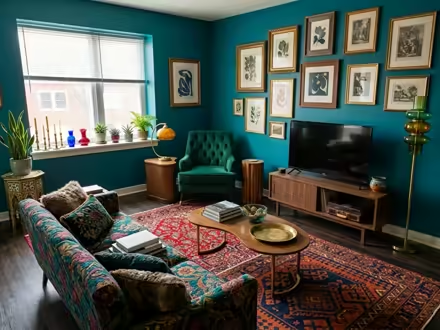 Eclectic
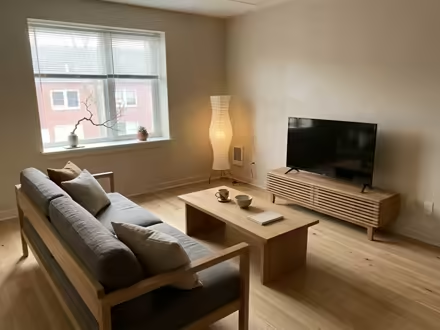 Japandi
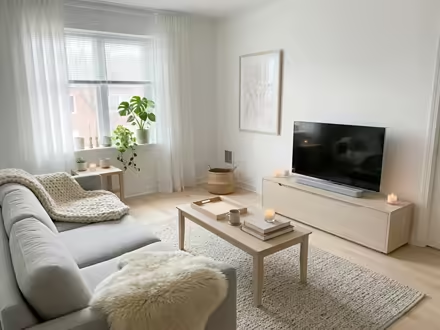 Scandinavian
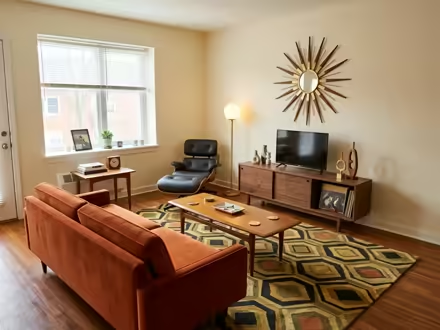 Mid-Century Modern
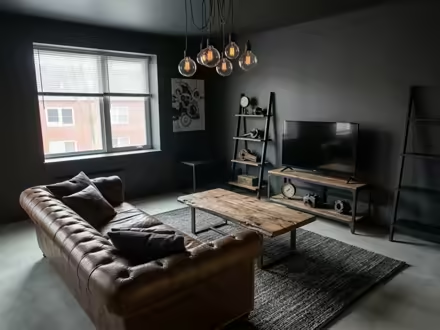 Industrial Loft
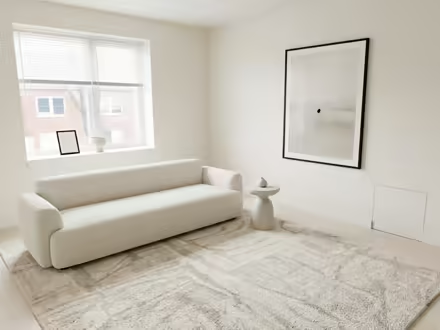 Minimalist
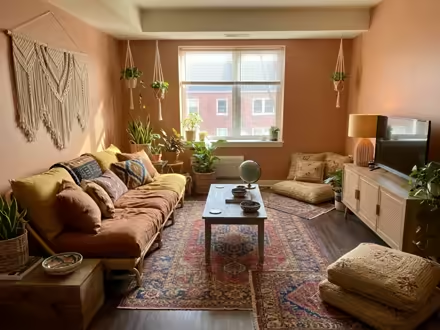 Boho
Boho
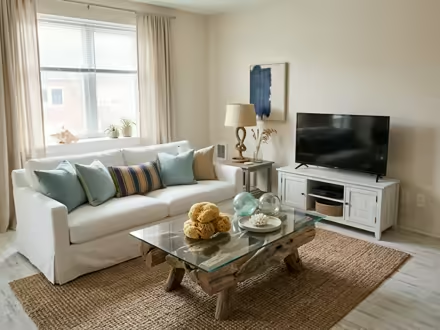 Coastal
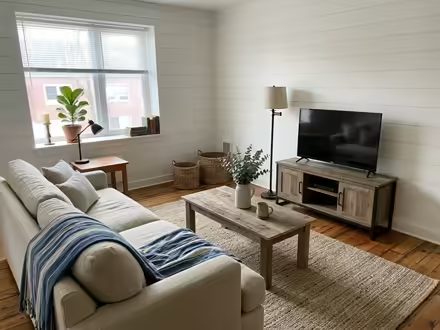 Modern Farmhouse
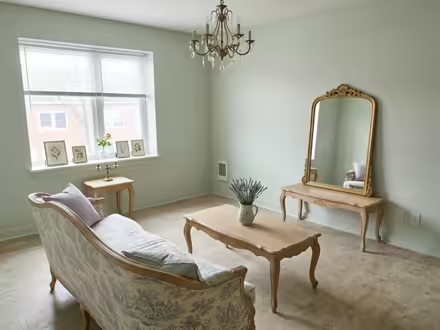 French Country
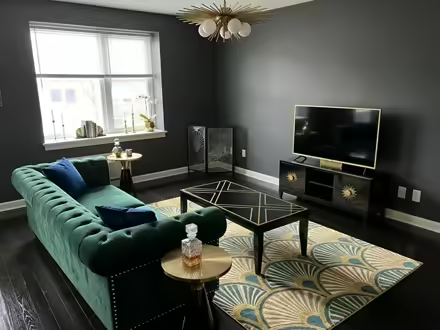 Art Deco
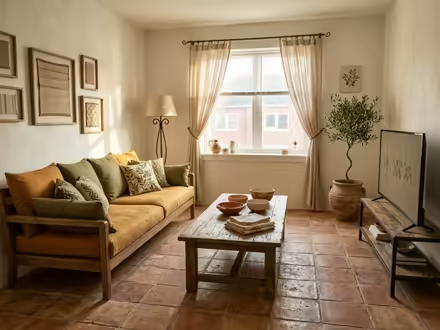 Mediterranean
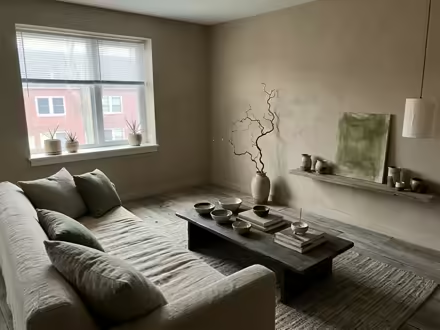 Wabi-Sabi
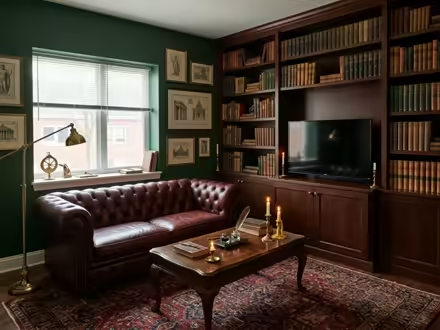 Dark Academia
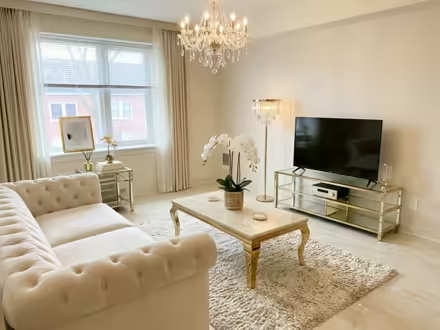 Luxury Glam
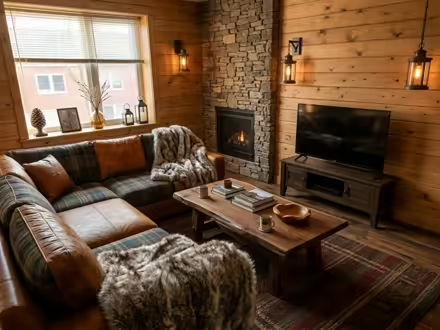 Rustic Cabin
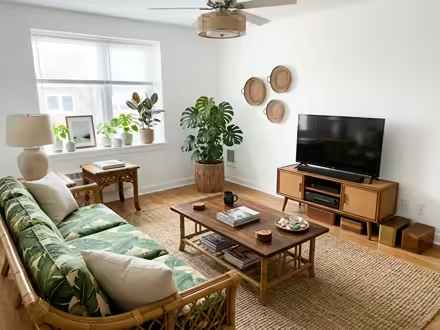 Tropical
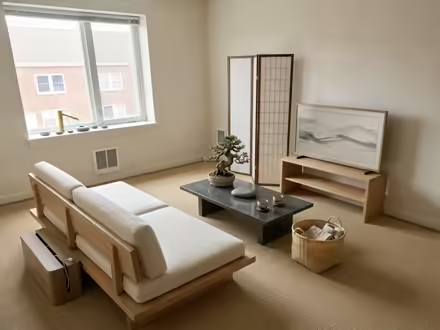 Zen
Zen
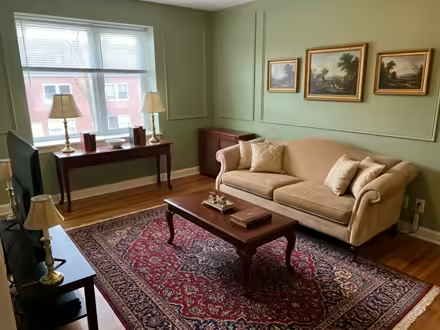 Traditional
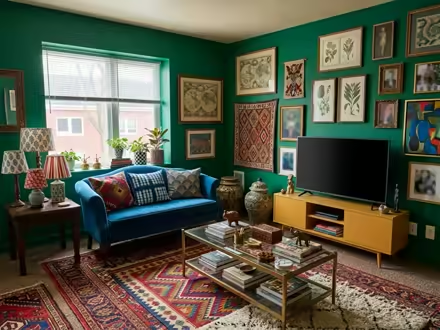 Maximalist
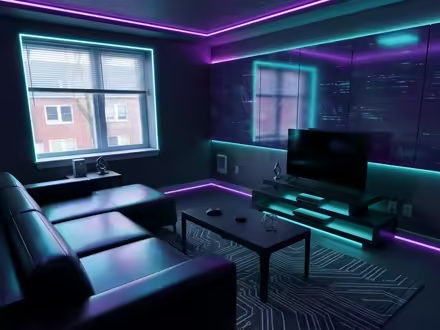 Cyberpunk
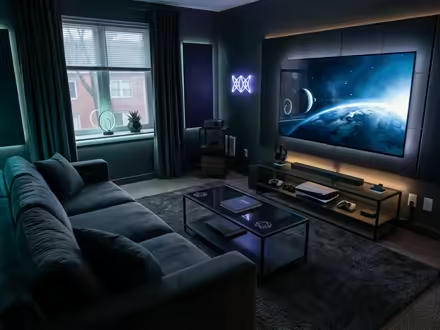 Gamer Den
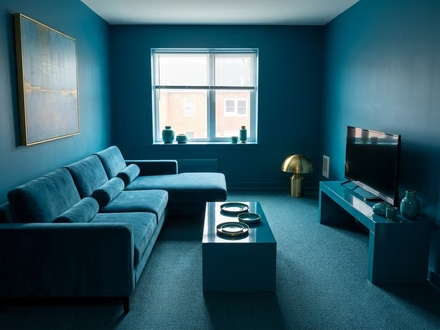 Color Drench
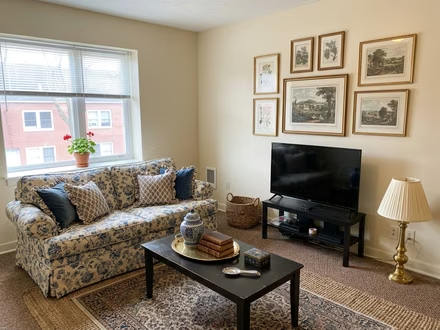 Grandmillennial
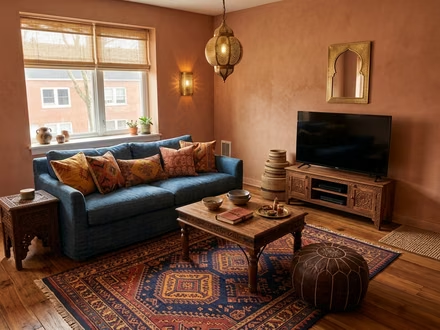 Moroccan
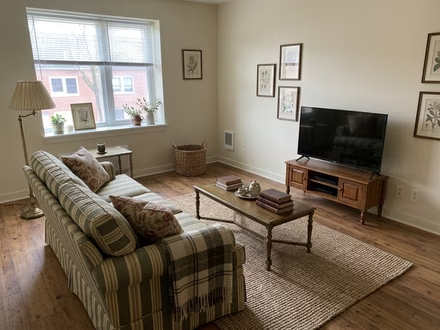 English Country
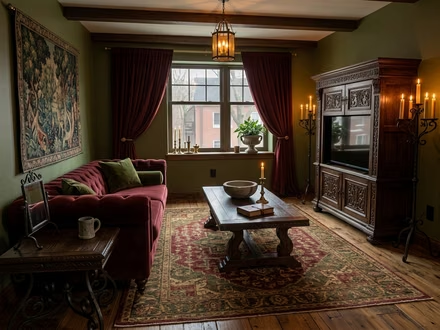 Castlecore
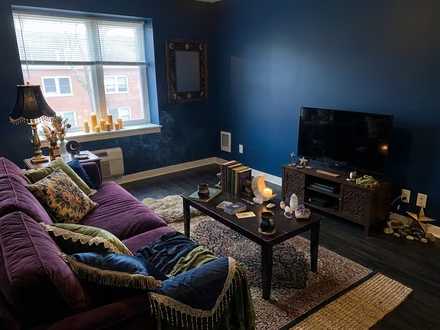 Whimsigoth
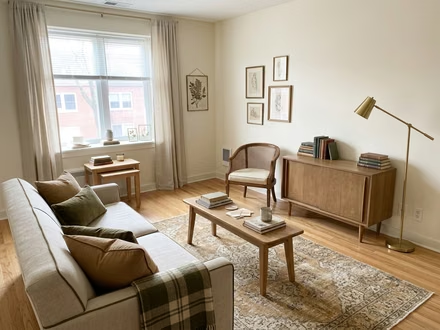 Light Academia
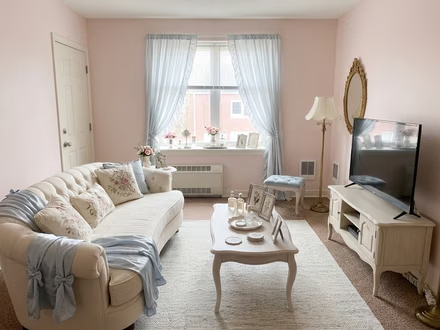 Coquette
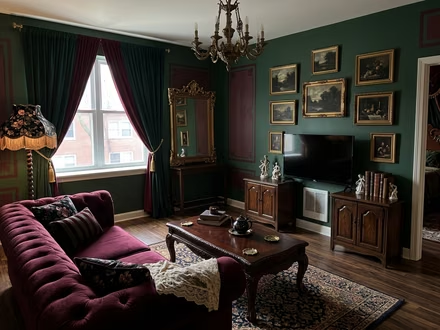 Victorian
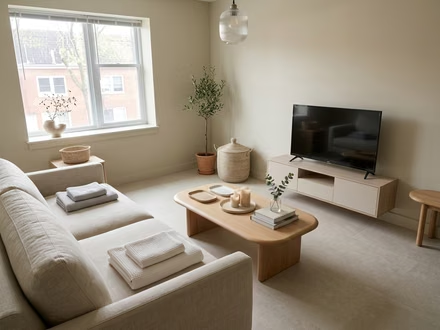 Wellness Spa
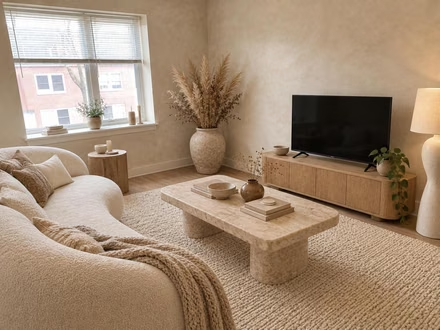 Organic Modern
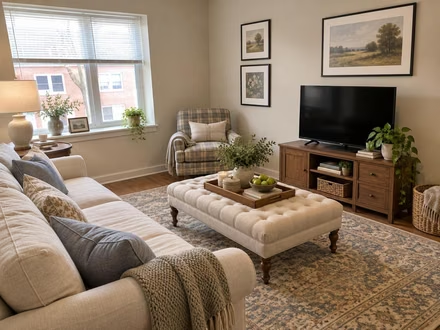 Transitional
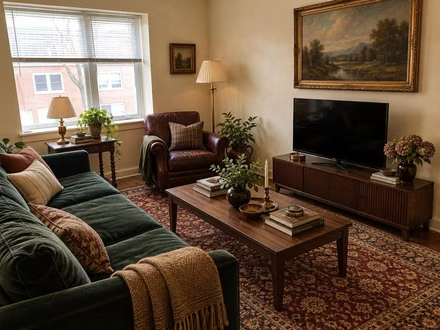 Modern Heritage
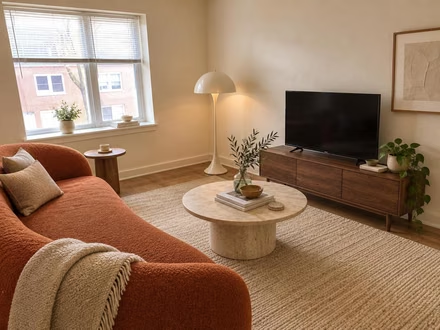 Scanditalia
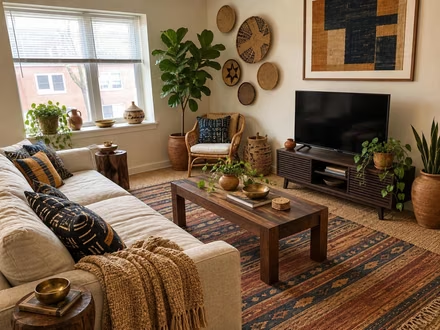 Afrohemian
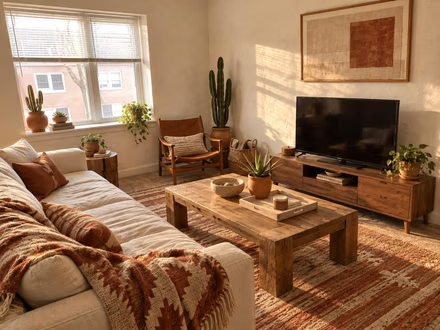 Desert Modern
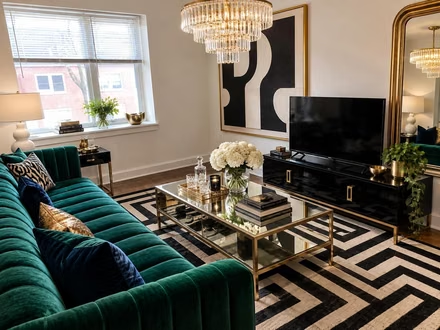 Hollywood Regency
One credit, one design. Pick how many you need.
Paid once, no subscription. Every pack opens every tool.
Secured by Stripe · Apple Pay, Google Pay, and Link accepted · No subscription
Paid once, nothing renews. 1 credit is 1 design; a video is 10 credits. Credits last 12 months from your last purchase, and a new pack carries over what's left. Without credits: 1 free design on Interior, Exterior or Garden Design, public, with a badge on downloads. Credits arrive the moment you pay, so packs are not refundable. Terms · Privacy
Answers, before you ask.
Is it really my room?
Yes. The tool edits the photo you upload. Walls, windows, doors and the floor plan stay where they are. Only furniture, finishes and light change.
Can I try it before I pay?
Yes: your first design is free, on Interior, Exterior or Garden Design, full quality and shown in full. It's public and downloads with a small badge; designs made with credits are private and download clean.
What is a credit?
One credit is one design; a video is 10. Credits come in packs, paid once: 20 for $7, 100 for $19, and 500 for $49. They last 12 months from your last purchase, and a new pack carries over what's left.
Is it a subscription?
No. You pay once for a pack and nothing renews. When you want more, buy another pack.
Can I use the designs for clients or listings?
Yes, on every pack: designs made with credits carry a commercial license.
What if it is not for me?
That's what the free design is for: see it work on your own photo first. Credits arrive the moment you pay, so packs are not refundable, and a design that fails to render gives its credit back automatically.
What happens to my photos?
They are used for one thing: making your designs. They go to our AI provider for the render, are never sold, and are not used to train models under the terms we use. Free designs are public at their own link; every design made with credits is private. You can delete any of them. Privacy policy.